
AI Photo Enhance
Turn blurry photos into post-ready edits.
Enhance low-quality, blurry, grainy or dull photos with AI. Sharpen details, improve portraits, restore clarity and get images ready for stories, posts, carousels, collages and short videos.
- Unblur
- Sharpen
- Restore details
- Improve portraits
- Social-ready edits
4.8 stars on the App Store · Available on iOS & Android
What is AI photo enhance
AI photo enhance uses machine learning to upscale, sharpen and clean up low-quality photos.
Zaps' AI photo enhancer sharpens detail, reduces blur and improves clarity on selfies, portraits, old photos and product shots — then lets you use the cleaner image inside templates, collages, carousels and reels. A mobile alternative to Remini and Lensa for creators who want enhance plus design in one app.
Best for
Selfies, portraits, old photos
Speed
On-device, seconds per photo
Built for
iOS & Android
Replaces
Remini, Lensa
The quality problem
Good content often starts with imperfect photos.

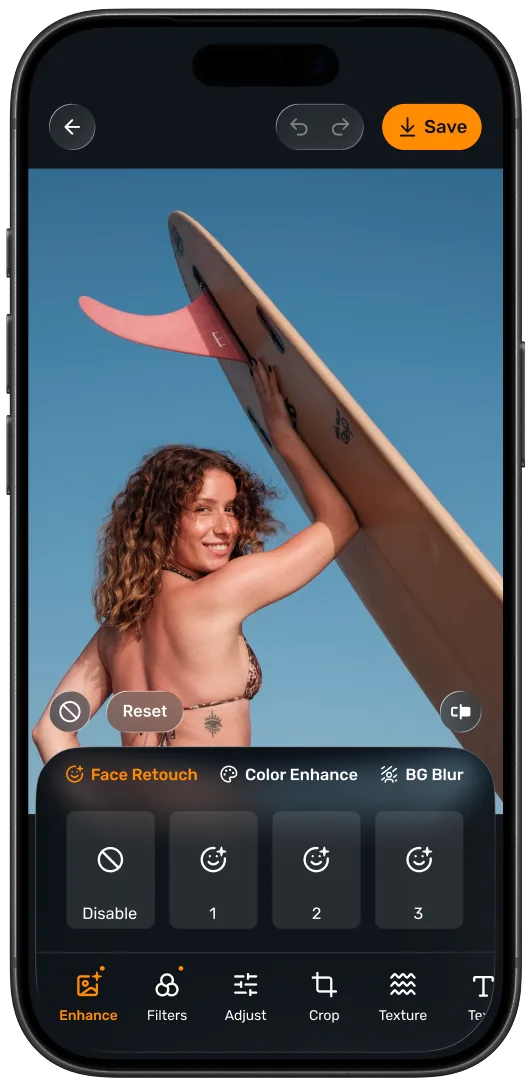
One-tap enhancement
Improve photo quality fast.
Use AI to quickly improve the quality of everyday photos. Bring more clarity and sharpness to images that would otherwise feel too low-quality to post.
- Enhance blurry photos
- Improve low-resolution images
- Reduce grainy-looking results
- Upgrade everyday camera roll shots
- Prepare images for social content
Portrait enhancement
Make selfies and portraits look clearer.
Portraits are where photo quality matters most. Improve facial clarity, sharpen details and make selfies, profile photos and creator portraits look cleaner before you share them.
- Sharpen portrait details
- Improve selfie clarity
- Make profile photos look cleaner
- Help faces look clearer in old or soft images
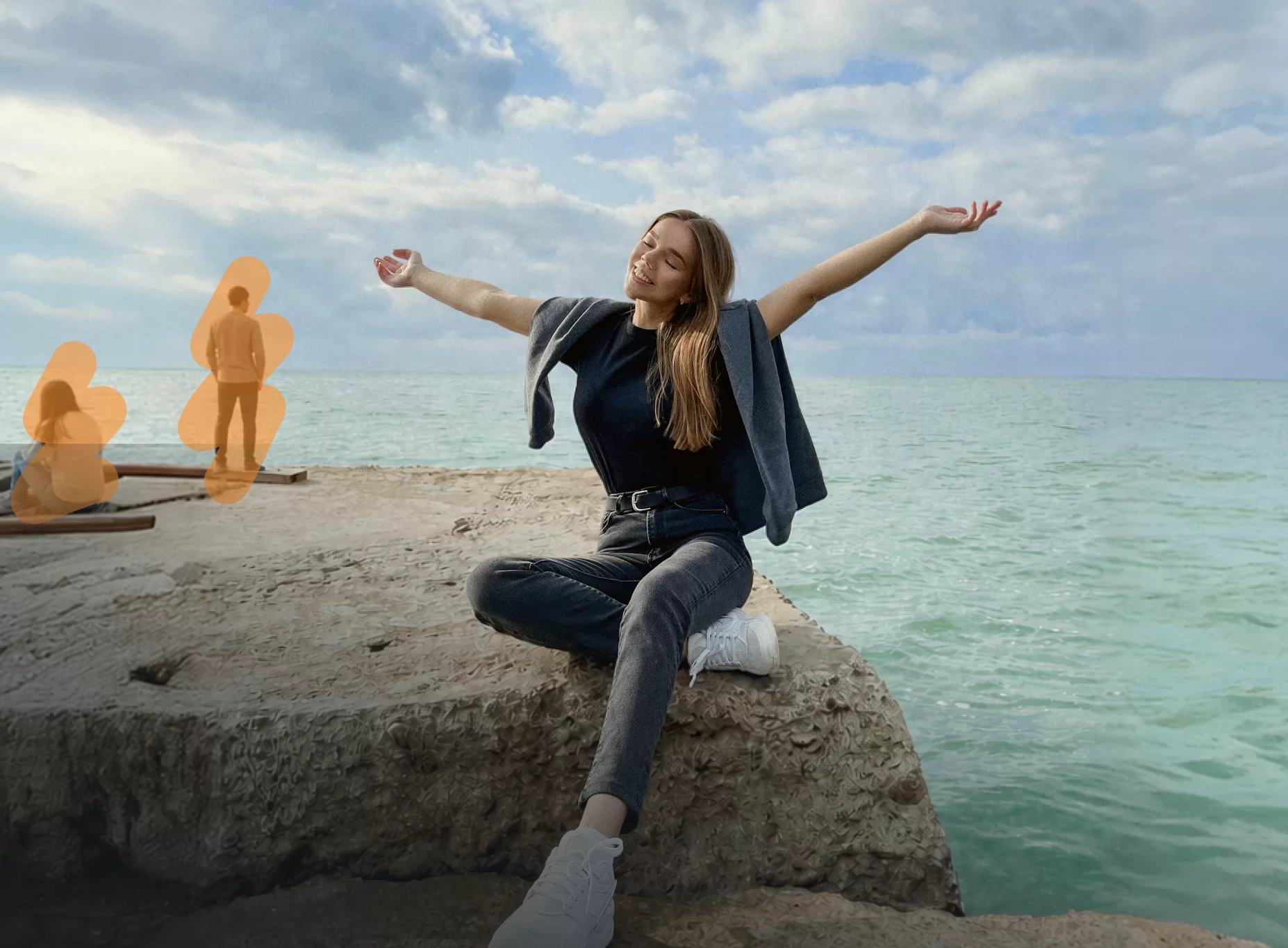
Unblur photos
Rescue photos that almost worked.
Sometimes the best moment is captured slightly out of focus. AI photo enhancement can help improve soft or blurry images so they feel more usable for posts, stories and memories.
- Improve soft images
- Fix mild blur
- Sharpen important details
- Make camera roll photos more usable
Old photo improvement
Give old photos a second life.
Use AI enhancement to improve older photos, family memories, scanned images or vintage camera roll pictures. Bring back more clarity and make meaningful photos easier to save, share or include in a design.
- Improve old photos
- Restore visible detail
- Reduce low-quality appearance
- Make memories easier to share
- Create before/after edits
- Use enhanced photos in collages and stories
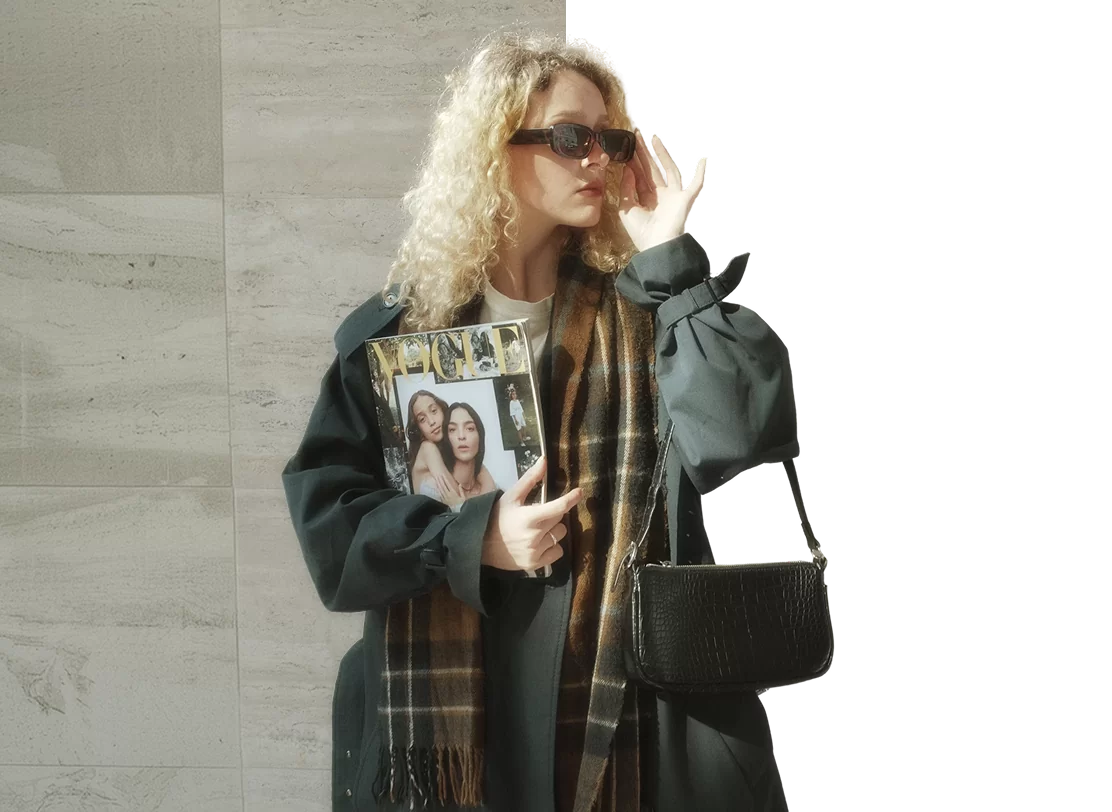
Product and brand photos
Make business photos look cleaner.
Low-quality product photos can make a brand feel less polished. Use AI photo enhance to improve product shots, service photos, profile images and promotional visuals before adding them to templates.
- Improve product photo clarity
- Brighten dull visuals
- Sharpen promotional images
- Prepare photos for business posts
- Useful for menus, listings, launches and offers
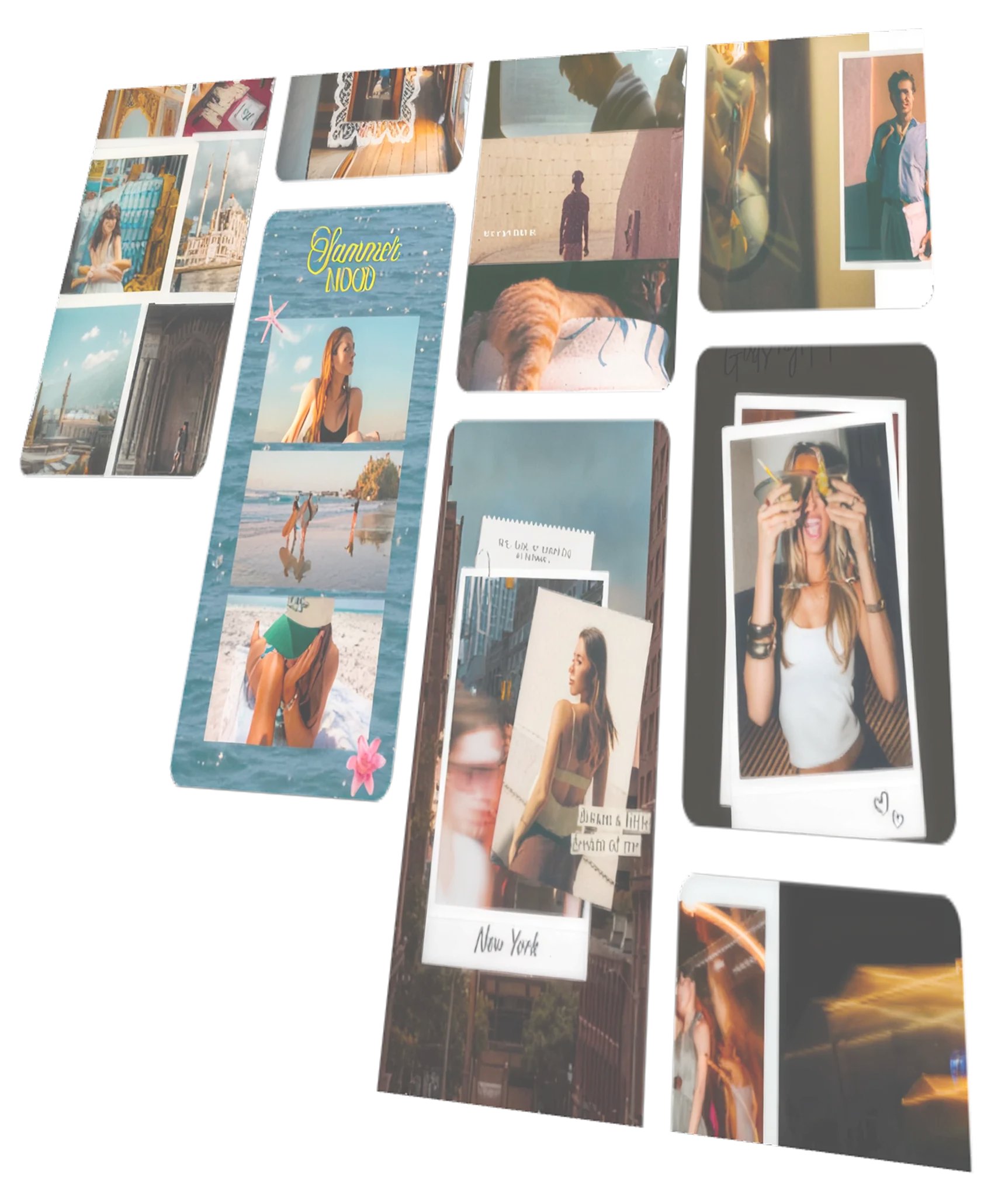
Enhance, then create
Your enhanced photo can go anywhere in Zaps.
Once your image looks better, use it inside the rest of your creative workflow: stories, collages, carousels, short videos, filters, effects and branded posts.
- Add enhanced photos to story templates
- Use sharper images in collages
- Build better-looking carousel slides
- Turn improved photos into short videos
- Apply filters and effects after enhancement
- Create social-ready content in one app
Use cases
Better photos for every kind of post.
Blurry selfies
Make soft or low-quality selfies look clearer before posting.
Old family photos
Improve older images so they feel easier to share, save or use in memory collages.
Creator portraits
Enhance profile photos, thumbnails, announcement images and personal brand content.
Product photos
Clean up product shots before using them in promos, stories or launch posts.
Event photos
Improve photos from birthdays, parties, weddings, concerts, trips and gatherings.
Low-resolution images
Upgrade images that look pixelated, compressed or too soft for social content.
Before/after content
Create satisfying before/after enhancement posts for stories, reels or carousels.
How it works
Enhance and create in a few taps.
1
Choose a photo
Pick a blurry, grainy, old or low-quality photo.
2
Apply AI enhance
Let AI improve clarity, sharpness and detail.
3
Fine-tune
Add filters, effects, text, stickers or frames.
4
Use it anywhere
Drop the enhanced photo into a story, collage, carousel, short video or post.
Why Zaps
More than a basic photo enhancer.
Basic photo enhancer apps
- Focus mostly on one-photo enhancement
- Often stop after the before/after
- May require another app for design, filters or posting
- Can overpromise perfect restoration
- Not built into a full social content workflow
Zaps AI Photo Enhance
- Enhance blurry and low-quality photos
- Improve portraits, selfies and everyday images
- Use enhanced photos in stories, collages and carousels
- Add filters, effects, fonts and stickers
- Combine with background remover and magic eraser
- Part of a full creative studio for social content
More from Zaps
Create more with Zaps.
What people say
Loved by creators who care about image quality.
"I had photos I loved but never posted because they looked blurry. AI enhance made them clear enough to use."
@blurry.no.more
"I use Zaps to clean up photos before adding them to stories and carousels. It saves me from switching between apps."
@social.edit.daily
"The best part is that I can enhance a photo and immediately turn it into a post, collage or story."
@onestop.creator
Frequently asked questions
An AI photo enhancer uses artificial intelligence to improve photo quality. It can help sharpen details, improve clarity, reduce low-quality appearance and make blurry or grainy photos look more usable.
Yes. Zaps can help improve blurry or soft photos, especially when the original image still has enough detail for AI to work with.
Zaps can help improve older or low-quality photos by adding clarity and reducing the appearance of blur, grain or compression. Very damaged photos may still have limits.
Yes. AI photo enhance is useful for improving selfies, portraits, profile photos and creator images.
Yes. After enhancing a photo, you can use it in Zaps stories, collages, carousels, short videos, filters and templates.
Zaps combines AI photo enhancement with social design tools: templates, collages, carousels, short videos, filters, fonts, stickers and AI editing in one app.
No. AI enhancement can improve many photos, but extremely blurry, damaged or low-detail images may not become perfect. The clearer the original photo, the better the result usually is.
Make your photos worth posting.
Enhance blurry, grainy or low-quality images, then turn them into stories, collages, carousels, videos and posts with Zaps.