
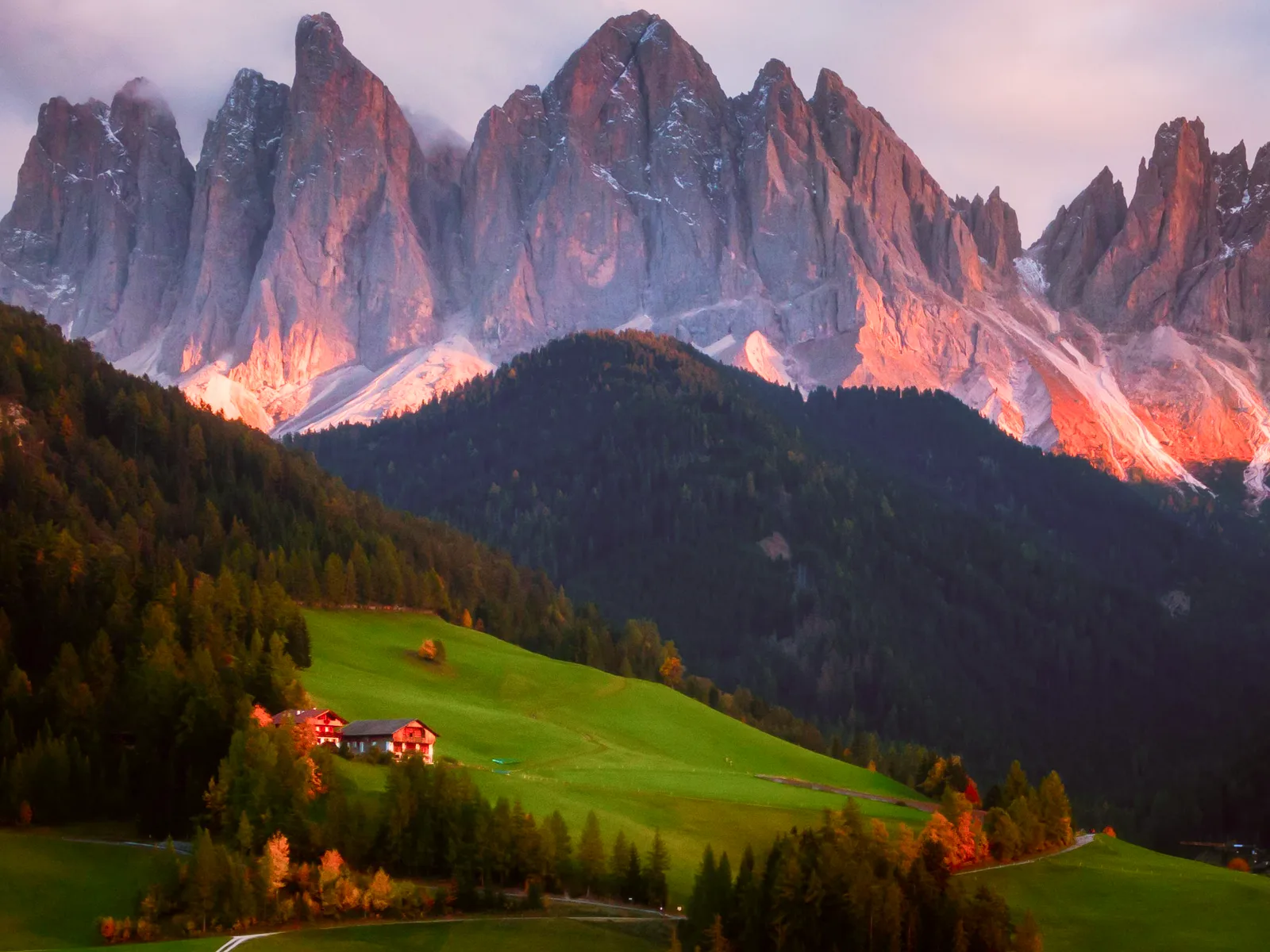
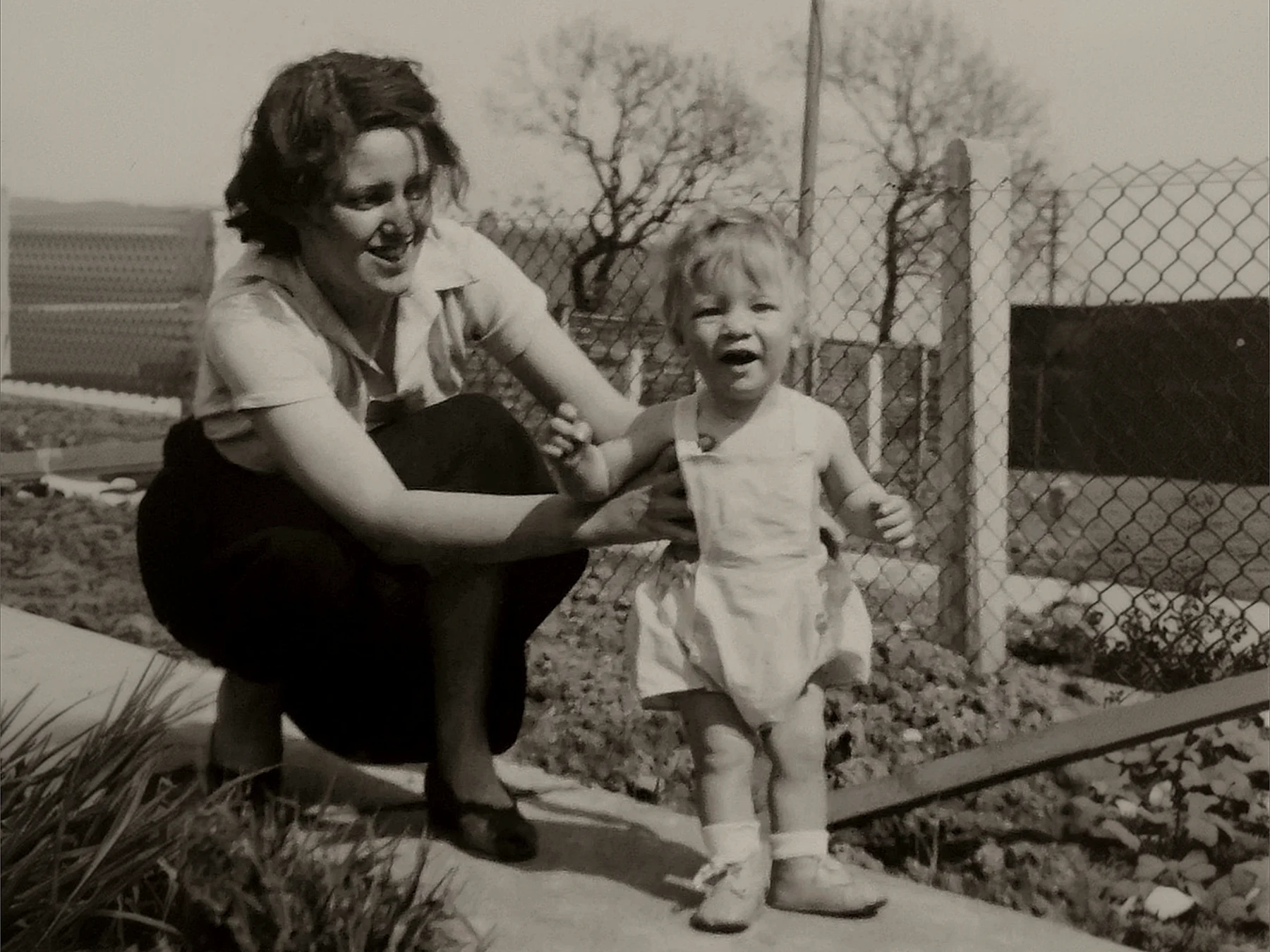
Your photos and videos, better with Enhance.
Turn blurry, grainy or low-quality photos and videos into polished content with AI in seconds. Enhance product shots, portraits and more.
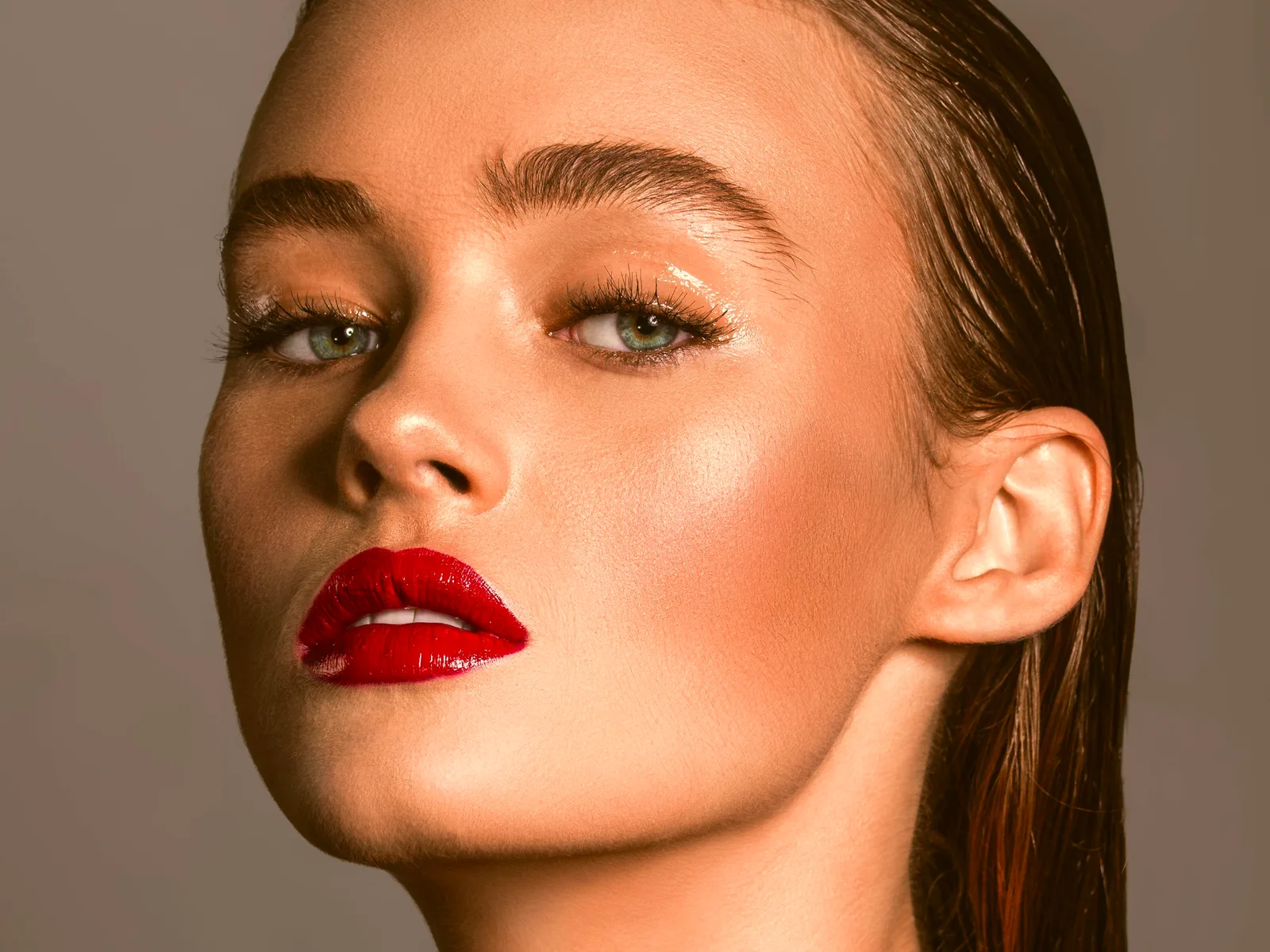
 Face enhance
 Face glow
 Auto color
 Background enhance
All the enhancements shown here are 100% authentic and done using our enhance feature.
Made for more than just the perfect shot.
One Enhance tool. Many ways to make your business stand out.
Create polished, professional visuals for every part of your business — from product shots and promotions to social content and more.

Social platform
Give your social content a professional-grade finish that keeps your audience engaged.

Heritage
Revive your family history with images clear enough to capture every detail.

Printing services
Upscale low-quality images until they hold up as large-format, high-quality prints.

E-commerce
Sharper product imagery that makes your listings look professional — and sell.

Education
Create learning materials with visuals that hold students' attention.

Magazines
Sharp, high-resolution photos that make articles pop and pull readers in.
Enhance and enlarge your
video content.
Unlock the hidden potential of your video content with our AI-powered enhancements and join the next revolution of video editing.
Bring every detail back into focus.
Turn blurry or low-quality photos and videos into sharper, clearer visuals with richer color and definition.
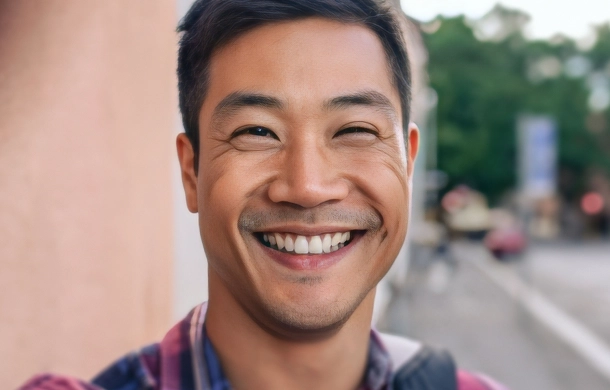
Unblur & sharpen
Camera shake, missed focus and motion blur pulled back into crisp detail.
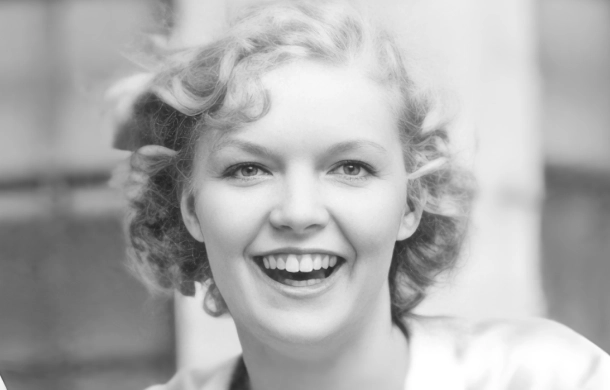
Restore old photos
Faded, scratched and worn prints come back clearer than the day they were taken.
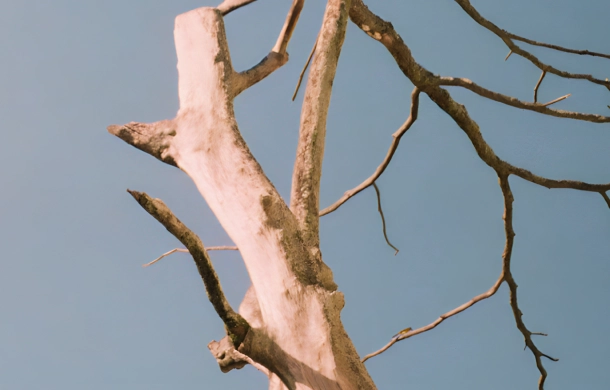
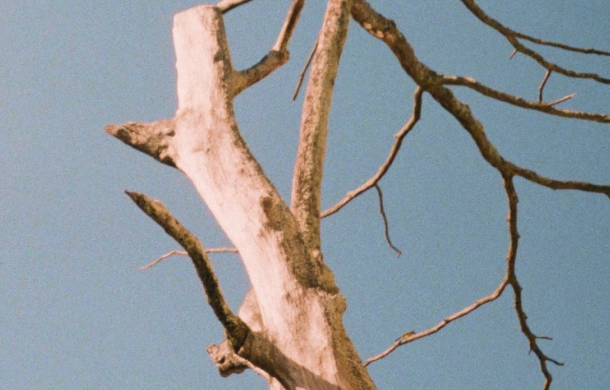
Remove noise
Grain from low light and old sensors, cleaned up without smearing the detail.
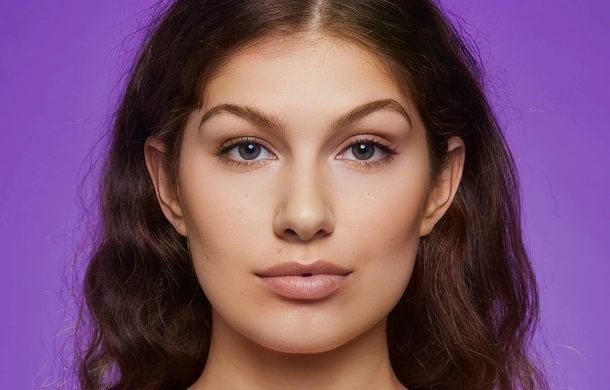
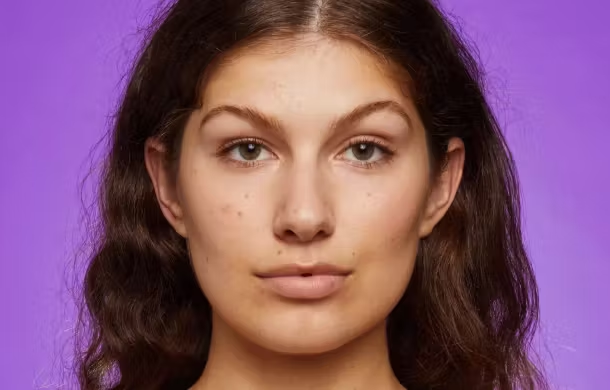
Enhance faces
Portraits gain real detail while still looking like the person you photographed.
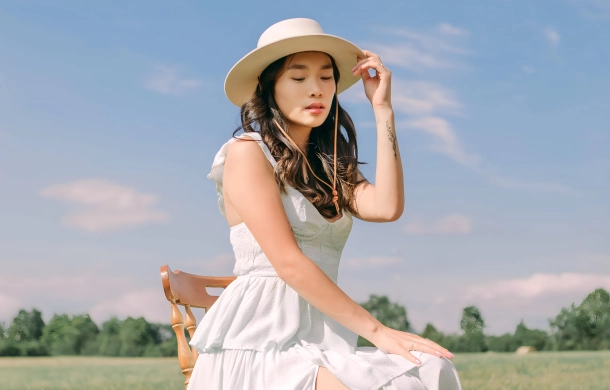
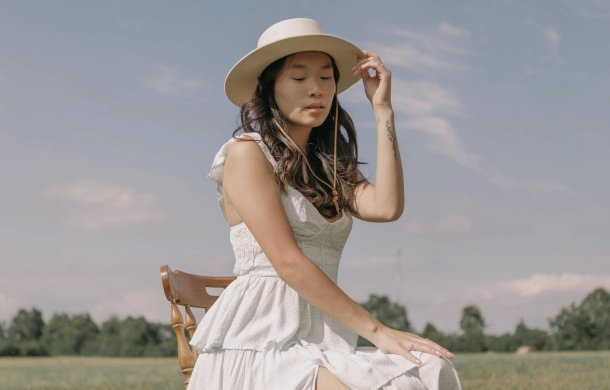
Fix colors
Dull, washed-out tones turn vivid without tipping into fake.

Enlarge images
Small images upscale cleanly enough to hold a full screen.
Enhance and create
in a few taps.
01
Choose a photo
Pick a blurry, grainy, old or low-quality photo.
02
Apply AI enhance
Let AI improve clarity, sharpness and detail.
03
Fine-tune
Add filters, effects, text, stickers or frames.
04
Use it anywhere
Drop the enhanced photo into a story, collage, carousel, short video or post.
Loved by creators who care about what they create
"I had photos I loved but never posted because they looked blurry. AI enhance made them clear enough to use."
@blurry.no.more
"I use Zaps to clean up photos before adding them to stories and carousels. It saves me from switching between apps."
@social.edit.daily
"The best part is that I can enhance a photo and immediately turn it into a post, collage or story."
@onestop.creator
Frequently asked questions
An AI photo enhancer uses artificial intelligence to improve photo quality. It can help sharpen details, improve clarity, reduce low-quality appearance and make blurry or grainy photos look more usable.
Yes. Zaps can help improve blurry or soft photos, especially when the original image still has enough detail for AI to work with.
Zaps can help improve older or low-quality photos by adding clarity and reducing the appearance of blur, grain or compression. Very damaged photos may still have limits.
Yes. AI photo enhance is useful for improving selfies, portraits, profile photos and creator images.
Yes. After enhancing a photo, you can use it in Zaps stories, collages, carousels, short videos, filters and templates.
Zaps combines AI photo enhancement with social design tools: templates, collages, carousels, short videos, filters, fonts, stickers and AI editing in one app.
No. AI enhancement can improve many photos, but extremely blurry, damaged or low-detail images may not become perfect. The clearer the original photo, the better the result usually is.
Make your photos worth posting.
Enhance blurry, grainy or low-quality images, then turn them into stories, collages, carousels, videos and posts with Zaps.