Zaps

Instagram templates for photographers

Instagram templates for photographers that keep the photo in charge: carousels that play a whole shoot in order, sneak-peek stories you can post the same night, and booking posts that look like your studio.

Free plan with 100+ starter templates. Works in your browser, on iOS and on Android.

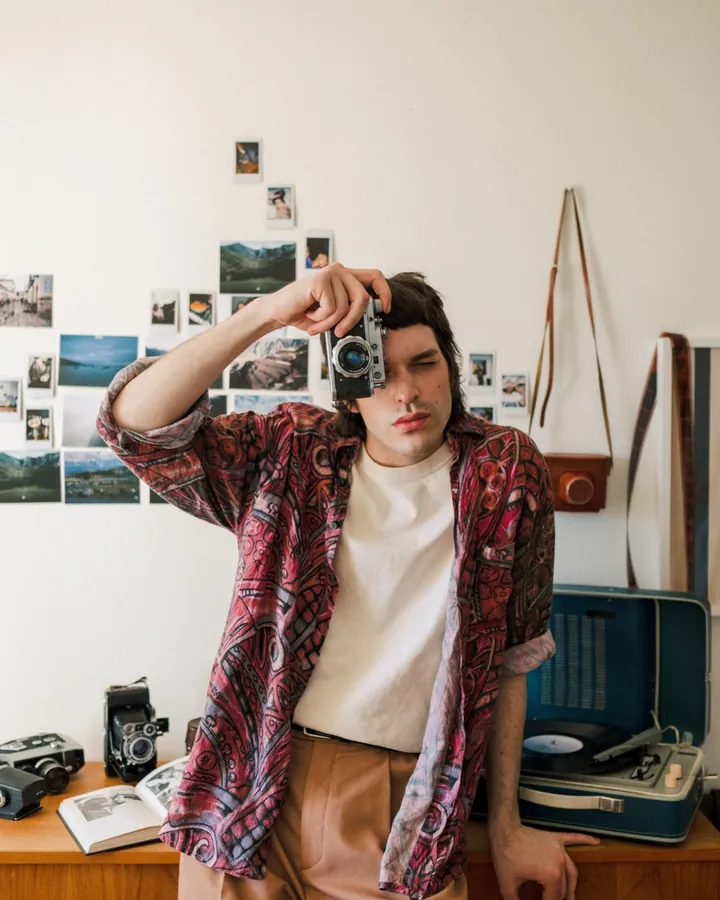
Photographer holding a film camera up to his face in a room hung with prints
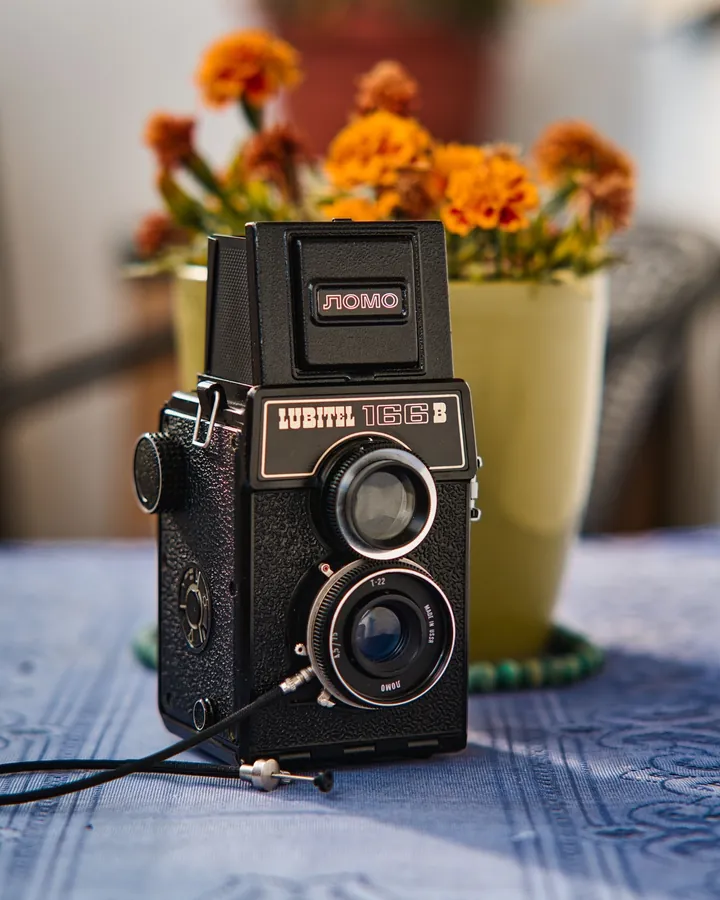
Twin-lens reflex camera on a table next to a vase of marigolds
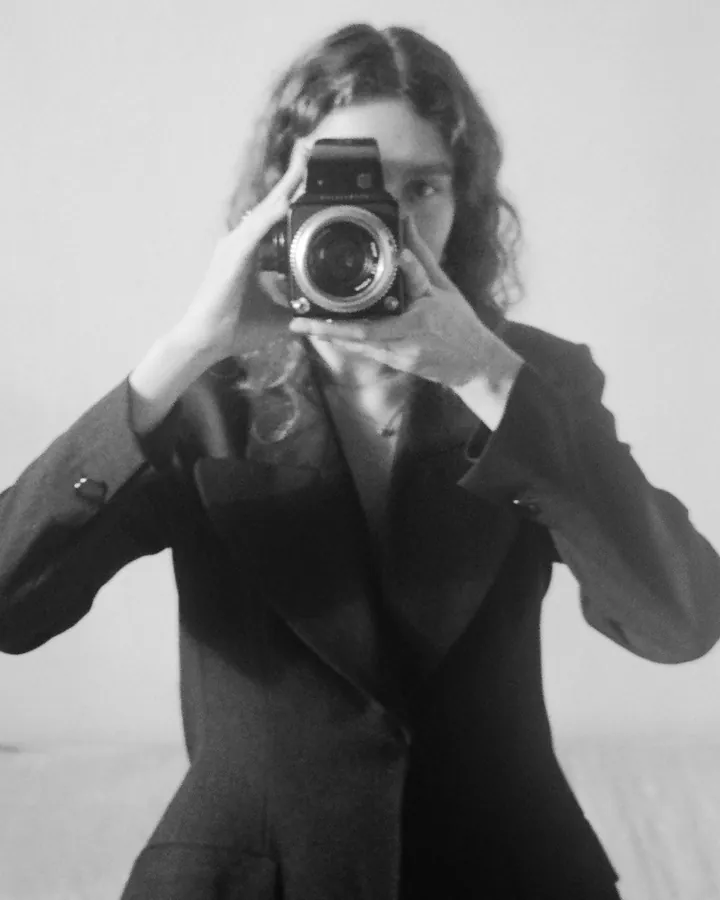
Black and white portrait of a woman photographing herself with a medium-format camera

What photographers post, and what helps

Portfolio carousels

A carousel lets a wedding, a portrait session or a brand shoot play out in order: the wide shot, the detail, the moment between takes. Pick a layout, drop in your photos and the slides line up, so nothing gets cropped to fit.

  • Seamless panoramic carousels
  • Photo grid carousels
  • Film strip layouts for editorial sets
Browse photography carousels
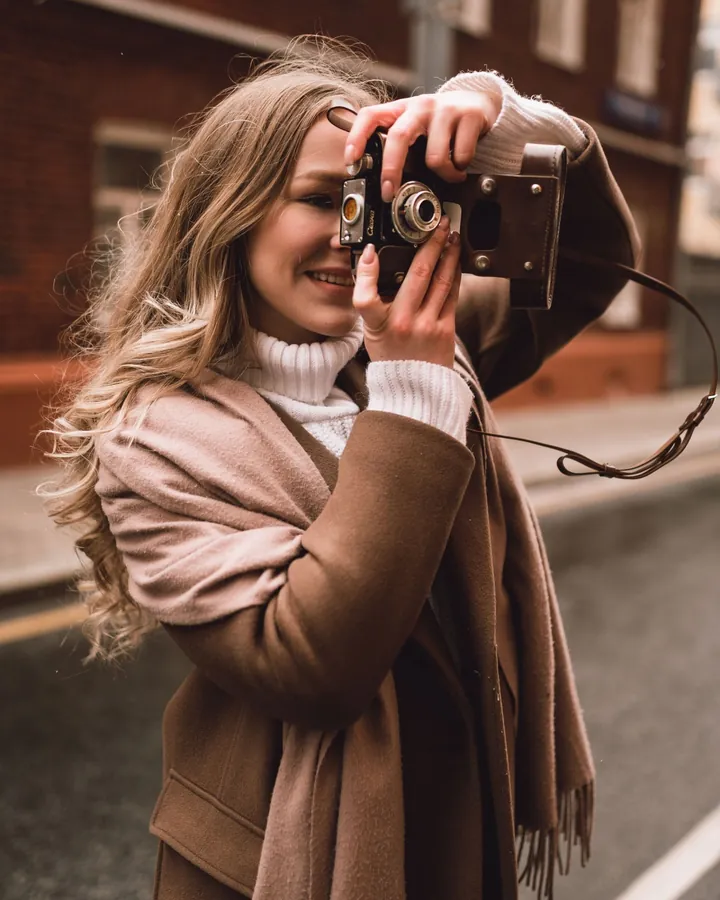
Woman in a brown coat raising a camera to shoot on a city street

Client sneak peeks and stories

Post a preview while the client is still excited. Story templates give a sneak peek, a gallery-delivery notice or a thank-you a finished look, with space for one hero photo and a line of text.

  • Sneak peek stories
  • Gallery ready announcements
  • Client thank-you posts
  • Shoot recap collages
Browse story templates
Model posing in a tan blazer and white trousers in an arched courtyard during an editorial shoot

Booking and mini-session promos

Mini-session dates, package prices and holiday offers have to be readable at a glance. Start from a promo template with clear type, then set your own fonts and colors so it matches the rest of your feed. Brand Kit with your logo, colors and fonts is part of Premium.

  • Now booking posts
  • Mini-session promos
  • Pricing and package graphics
  • Seasonal offers
Browse promo templates
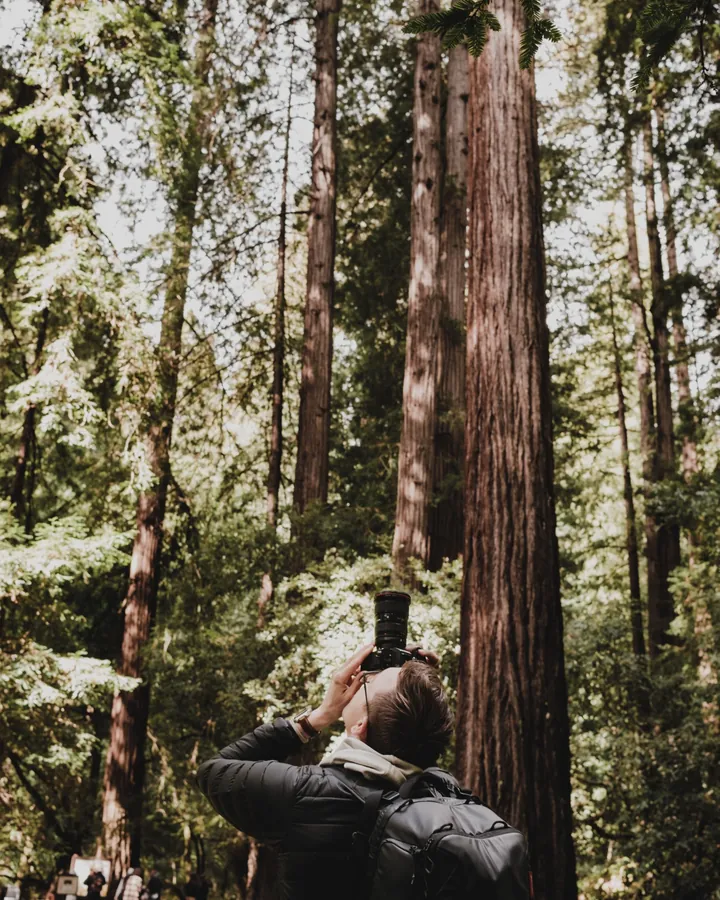
Photographer photographing towering redwood trees in a forest

Behind-the-scenes reels and photo dumps

Cut a shoot into a reel timed to a song, or a photo dump that shows the location, the gear and the outtakes. It gives followers a reason to come back between portfolio posts.

  • Beat-sync reel templates
  • Photo dump reels
  • Travel photography carousels
Browse photo dump reels

Templates photographers start with

Tools for finishing the shot

From template to post in three steps.

  1. 01

    Pick a layout

    Open a photography collection and choose a carousel, story or reel template.

  2. 02

    Add your photos

    Drop in your shots from the browser or your phone. Swap the text, fonts and colors.

  3. 03

    Export and post

    Export the finished design and post it to Instagram or TikTok.

Frequently asked questions

Carousels and photo grids work best because they show a full shoot in order without cropping your work. Story templates suit sneak peeks and booking reminders, and reels templates suit behind-the-scenes clips. Start with the photography collection and add stories as you need them.

Templates give each photo a frame, so you place your own shots in a finished layout. Pro exports are HD and watermark free.

Yes. The Carousel Maker has seamless layouts where one image runs across several slides, so a wide landscape or a long group shot stays connected as people swipe.

You can change fonts and colors on any template. Brand Kit saves your logo, colors and fonts in one place and is part of Premium.

Zaps has a free plan with 100+ starter templates, the collage maker, basic filters and standard exports. Pro unlocks 1000+ templates, reels, the AI photo tools and watermark-free HD exports for $49.99/year, and it starts with a free trial. Brand Kit comes with Premium.

Both. Browse templates and start a design in your browser at zaps.design/templates, or use the iOS and Android apps. The templates are the same.

Let the photos lead.

Open a photography template and have a carousel ready before the next shoot.

Prefer your phone? Get the app