

Zaps

Social media templates for ecommerce

Social media templates for ecommerce brands: product launch posts, sale and bundle graphics, product carousels and reels, with AI tools that turn a phone photo into a clean cutout.

Free plan with 100+ starter templates. Works in your browser, on iOS and on Android.

Gold huggie earrings and a charm necklace displayed above a branded gift box with a black ribbon
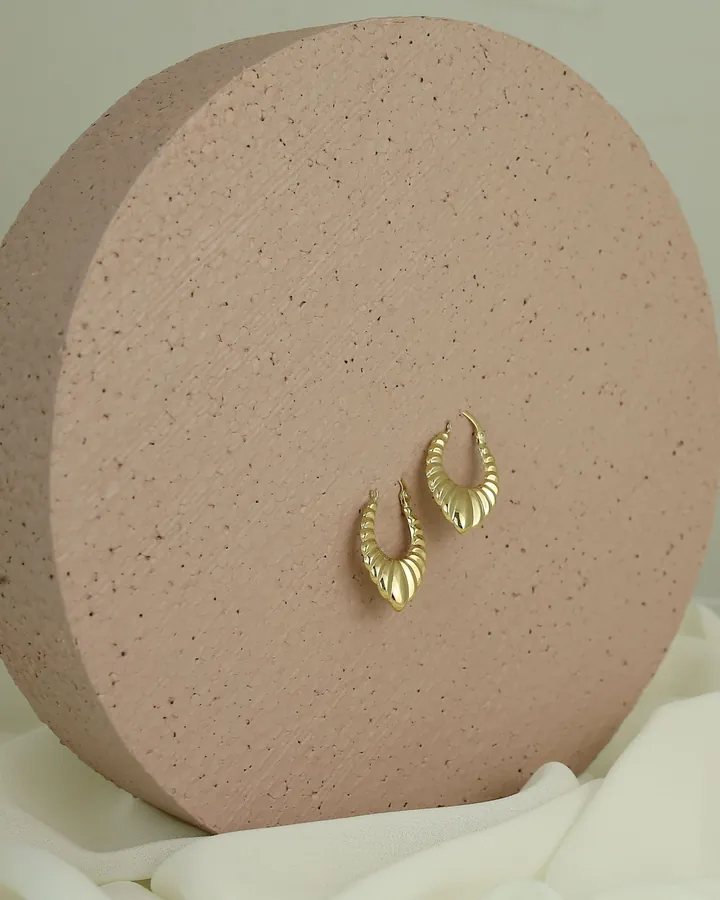
Gold leaf earrings pinned to a round speckled pedestal
Silver flower pendant necklace on a blue paper background

What online stores post, and what helps

Launch and restock posts

A drop needs the product, the date and where to buy it, repeated across a post, a story and a reel. Make one layout, then reuse it for coming-soon, launch day and restock.

  • New product launches
  • Coming soon and countdowns
  • Restock announcements
  • Pre-order and waitlist posts
Browse story templates
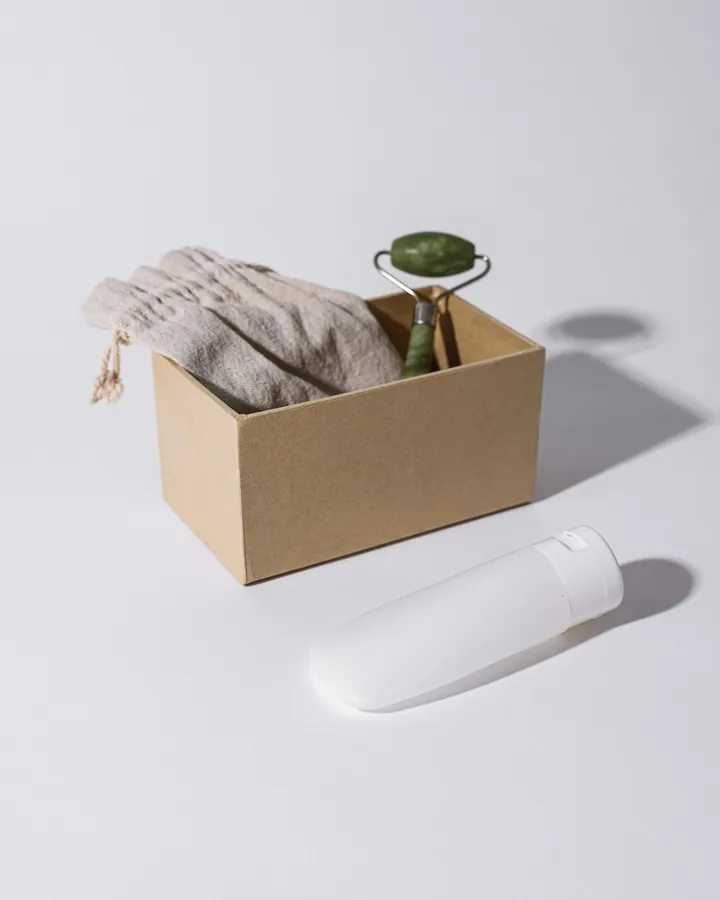
Skincare tubes, a face roller and a linen pouch arranged in a cardboard box on a white surface

Product photos and cutouts

Product shots taken on a phone often have a busy background. AI Background Remover cuts the product out so you can place it on a brand color, a collage or a campaign template, and Magic Eraser removes small distractions.

  • Background removal
  • Clean product cutouts
  • Photo enhance
  • Branded backdrops
Try AI Background Remover
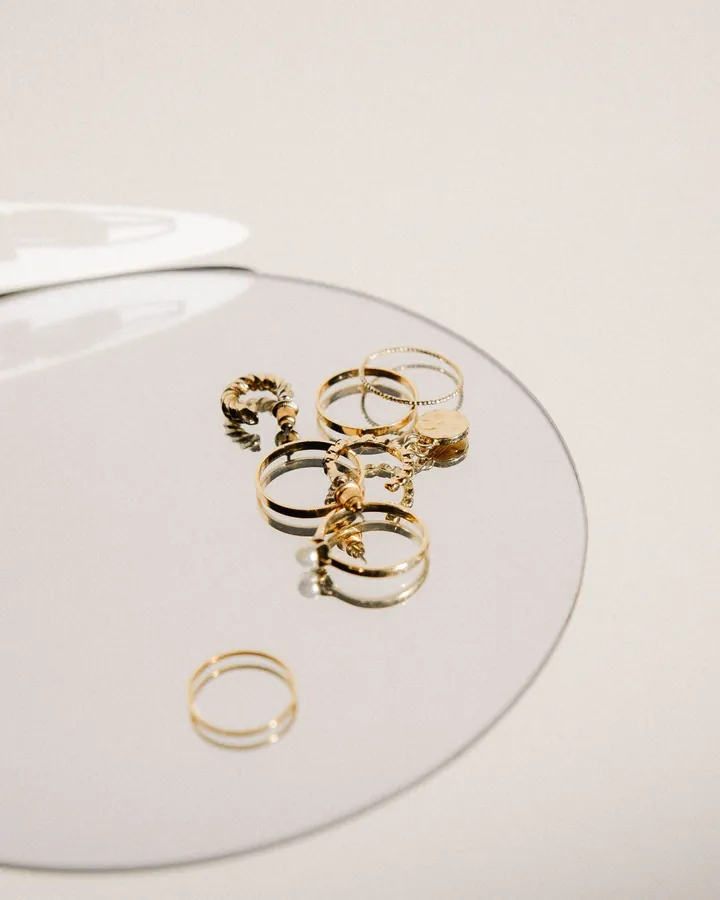
Gold rings and earrings arranged on a round mirror against a cream background

Sale, bundle and promo graphics

A sale post has one job: make the offer and the end date obvious. Promo templates give you large type, a clear discount and room for the product, so a flash deal goes out in minutes.

  • Sale posts
  • Bundle offers
  • Discount code stories
  • Free shipping announcements
Browse promo templates
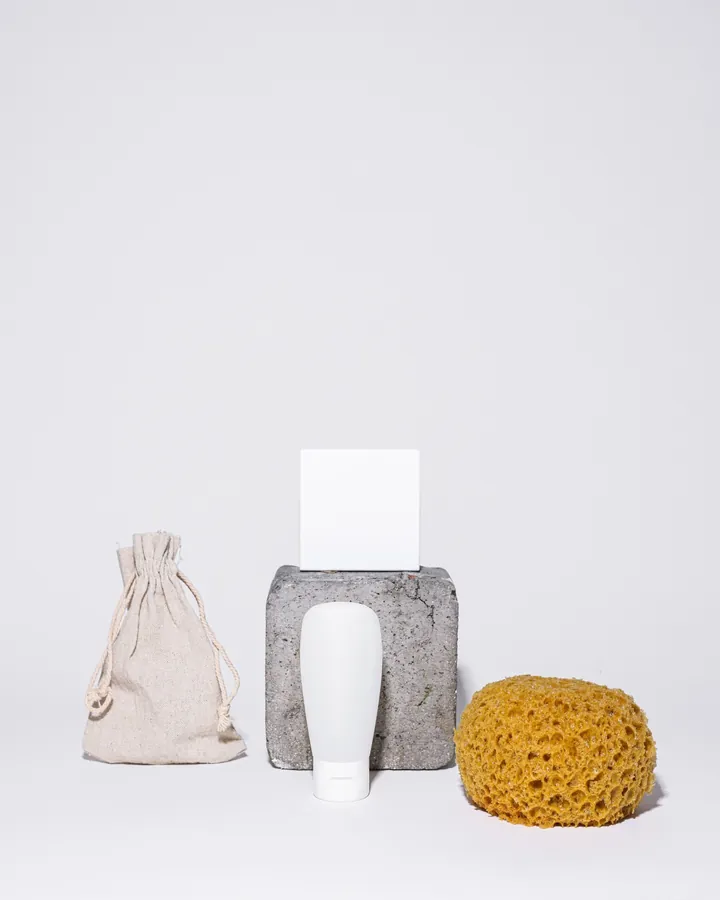
Skincare tube, sponge and stone block arranged on a white backdrop

Product carousels, hauls and reels

Show the full range in a carousel, let a customer’s haul run as a story, or cut product clips into a reel. Each one gives people more than a single packshot.

  • Product carousels
  • Haul and unboxing stories
  • Product reels
  • Look and lineup posts
Browse haul stories

Templates online stores start with

Tools for cleaner product photos

From template to post in three steps.

  1. 01

    Prep the product photo

    Upload a phone photo and cut out the background or erase distractions.

  2. 02

    Drop it into a template

    Choose a launch, sale or carousel layout and place the product. Edit the offer and the dates.

  3. 03

    Export and post

    Export for Instagram and TikTok, and reuse the layout for the next drop.

Frequently asked questions

Promo templates for sales and bundles, story templates for launches and restocks, and carousel templates for product ranges cover most of an online store’s feed. Reel templates turn product clips into short videos.

Yes. AI Background Remover cuts a product out in one step, and you can then place it on a color, a collage or any template. It is part of Pro.

Yes. Every template is editable, so you can change the discount, the code, the end date and the product image.

No. Zaps designs the post, story or reel and exports it. You then post it to Instagram or TikTok yourself.

Zaps has a free plan with 100+ starter templates, the collage maker, basic filters and standard exports. Pro unlocks 1000+ templates, reels, the AI photo tools and watermark-free HD exports for $49.99/year, and it starts with a free trial. Brand Kit comes with Premium.

Both. Browse templates and start a design in your browser at zaps.design/templates, or use the iOS and Android apps. The templates are the same.

Make the next drop look ready.

Open a launch or sale template, add your product and have the post ready to go.

Prefer your phone? Get the app