
Zaps

Instagram templates for salons

Instagram templates for salons, stylists, makeup artists and nail techs: before-and-after layouts that show the result, service menus that are easy to read, and posts that fill open appointments.

Free plan with 100+ starter templates. Works in your browser, on iOS and on Android.

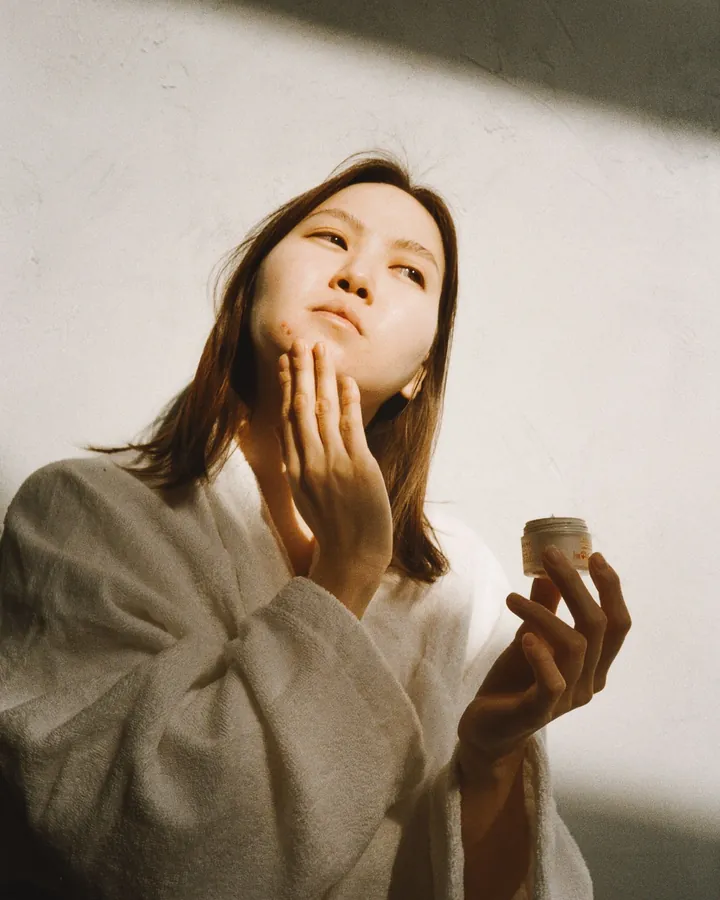
Woman in a robe applying skincare cream to her cheek in soft window light
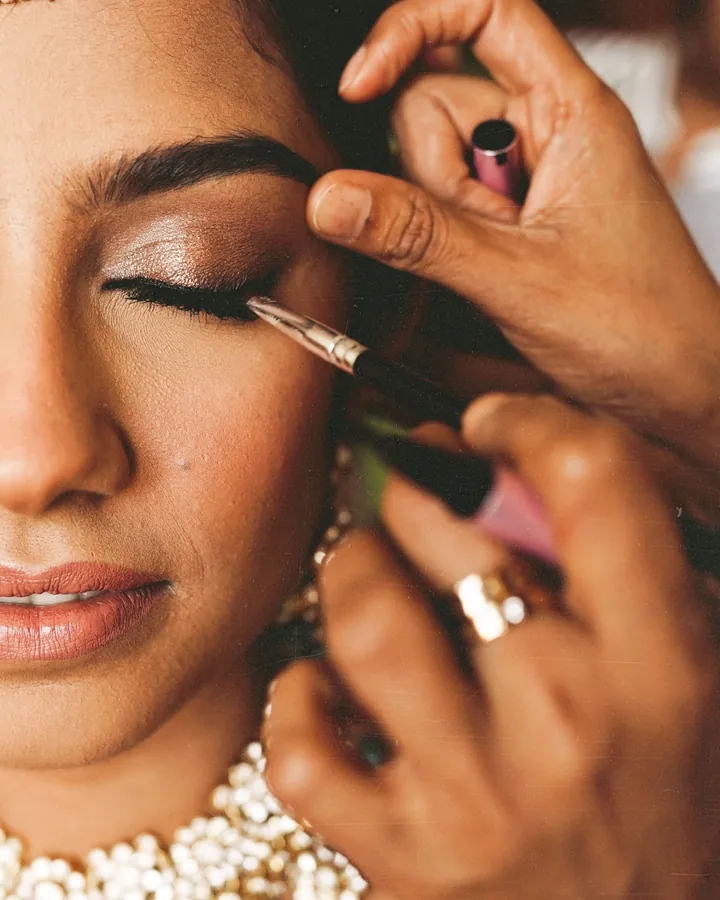
Close-up of a makeup artist applying eyeliner to a client wearing gold jewelry
Black and white close-up of manicured hands holding a small bouquet

What beauty pros post, and what helps

Before-and-after posts

Your results sell the service when people can compare them quickly. Two-photo layouts line the before and after up side by side, whether the work is color, lashes, brows, nails or skin.

  • Hair transformation posts
  • Lash and brow results
  • Nail collages
  • Client result carousels
Browse two-photo collages
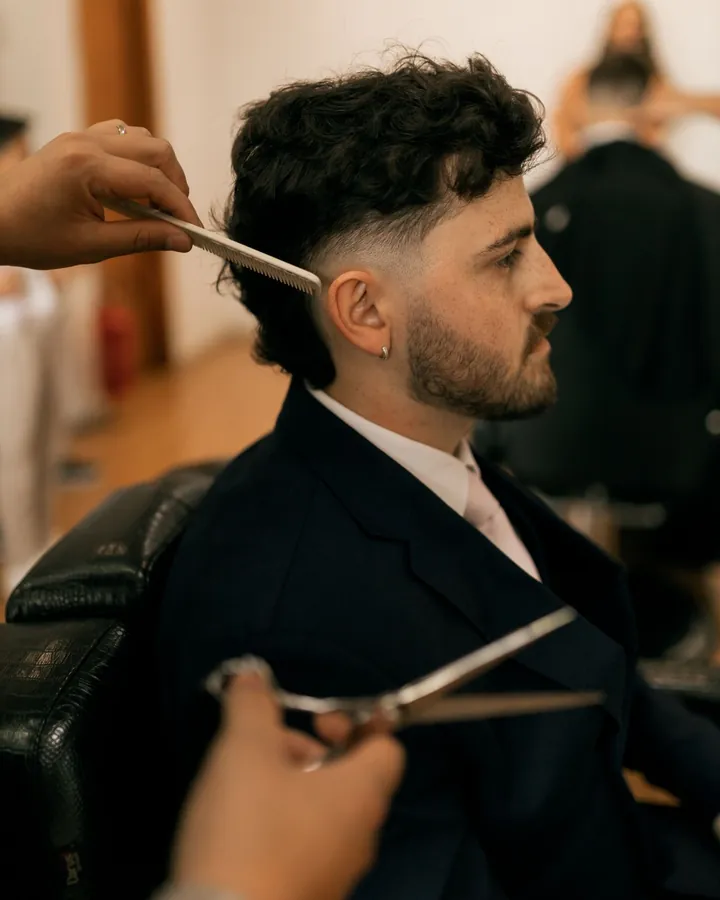
Barber cutting a client’s hair with scissors in a salon chair

Service menus and price lists

Clients message to ask what you offer and what it costs. A clean menu post answers both: services, durations, add-ons and prices in a layout that reads on a phone.

  • Service menu posts
  • Package and add-on graphics
  • Price list layouts
  • Hours and policy reminders
Browse minimal story templates
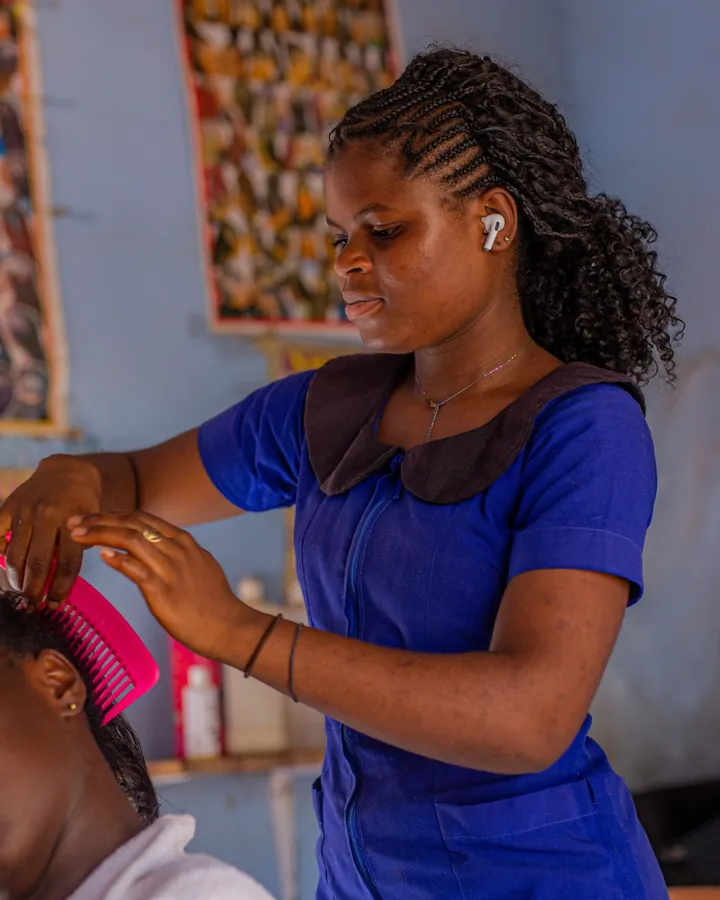
Stylist braiding a client’s hair in a colorful salon

Appointment openings and promos

A cancellation leaves a gap in the book. Post the open time as a story or a feed post in a couple of minutes, with a first-visit offer or a seasonal deal if you run one.

  • Open slot stories
  • Now booking posts
  • New client offers
  • Seasonal promos
Browse promo templates
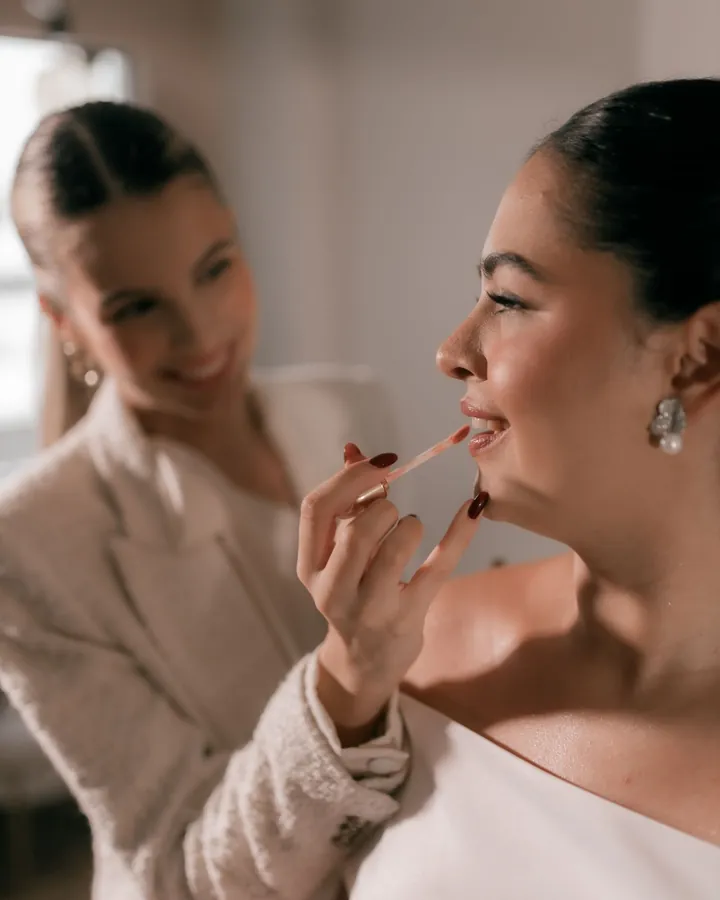
Makeup artist applying lipstick to a seated client in a bright room

Tips, aftercare and reels from the chair

Short tips, aftercare notes and quick clips keep followers engaged between bookings. Cut a 10-second transformation into a reel and post it the same day.

  • Aftercare tip stories
  • Reels from the chair
  • Transformation clips
Browse reel templates

Templates beauty pros start with

Tools for cleaner results photos

From template to post in three steps.

  1. 01

    Pick a layout

    Choose a before-and-after, menu or opening template.

  2. 02

    Add your photos and details

    Drop in the two photos or edit the services and prices. Match fonts and colors to your salon.

  3. 03

    Export and post

    Export and post to Instagram or TikTok, with the booking link in your bio.

Frequently asked questions

Two-photo before-and-after layouts, clean menu and price-list stories, and promo templates for open appointments. Together they cover results, services and booking.

Yes. Use a two-photo collage template or the Collage Maker to place the before and after side by side, then add a short caption such as the service and the time it took.

Yes. The layouts are not tied to one service, because you supply the photos and the text.

Yes. Edit any text on a template, so a menu post can carry your services, durations, add-ons and prices. Change fonts and colors to match your salon.

Zaps has a free plan with 100+ starter templates, the collage maker, basic filters and standard exports. Pro unlocks 1000+ templates, reels, the AI photo tools and watermark-free HD exports for $49.99/year, and it starts with a free trial. Brand Kit comes with Premium.

Both. Browse templates and start a design in your browser at zaps.design/templates, or use the iOS and Android apps. The templates are the same.

Fill the book with posts that show the work.

Open a before-and-after template, add two photos and post the result today.

Prefer your phone? Get the app