
Fonts and stickers
Fonts and stickers that make Instagram and TikTok posts yours.
Add premium fonts, curved text, stickers, frames and labels to stories, collages and carousels. Open a template and watch each change land.
- Curved text
- Text effects
- Stickers and icons
- Frames
- Overlays
4.8 stars on the App Store · Available on iOS & Android
What are fonts and stickers
Fonts and stickers are the text styles and small graphics that turn a plain photo into a finished post.
In Zaps you add text in a library of fonts, bend it into a curve, then layer stickers, icons, arrows, labels and frames on top. It all works in stories, collages and carousels. Premium fonts, stickers and frames come with Pro.
Text
Fonts, curved text, text effects
Graphics
Stickers, icons, arrows, frames
Works in
Stories, collages, carousels
Premium
Premium fonts, stickers and frames: Pro
The detail problem
Default text and the same ten stickers make every post look the same.

Fonts
Pick a font that sounds like your post.
Swap a clean sans for a handwritten script and the same words change tone. Try fonts on your own text, on your own photo.
- Headline, caption and script styles
- Minimal, bold and editorial fonts
- Text effects such as shadows, outlines and highlights
- Premium fonts come with Pro
Stickers
Stickers, icons and doodles for the small stuff.
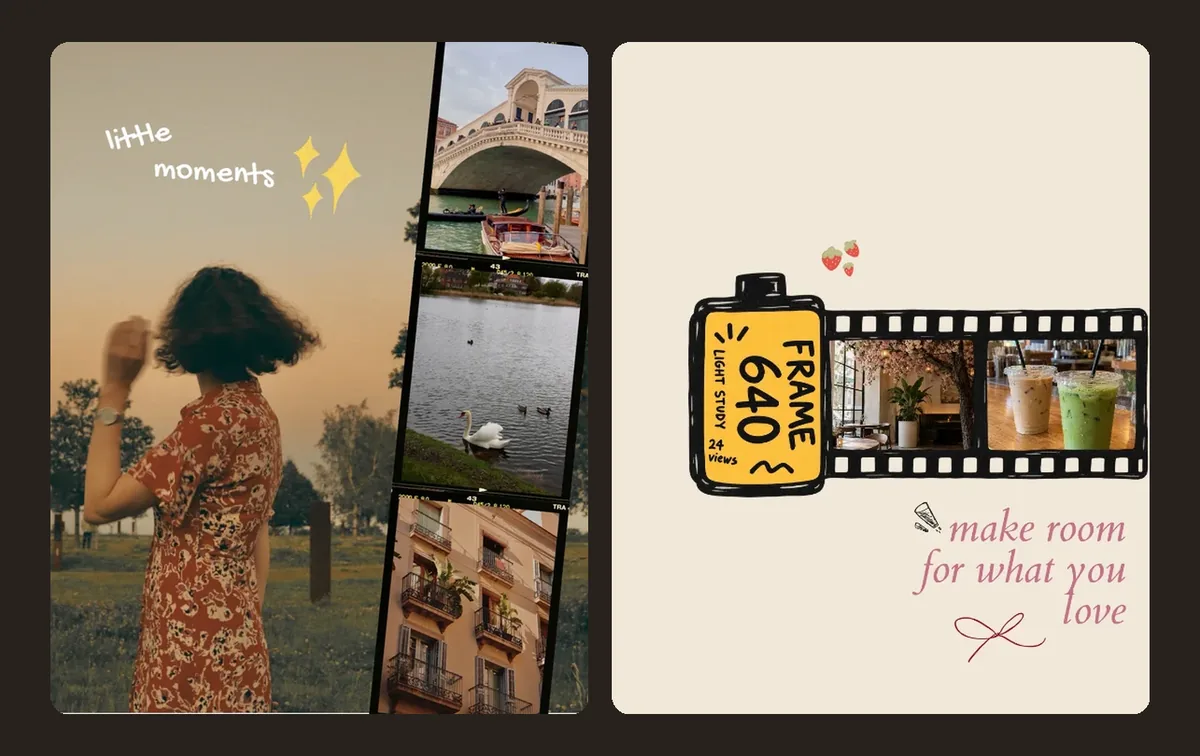
Add arrows, stars, hearts, labels and badges to point at something or give a post some personality. Drag, resize and layer them over photos and text.
- Arrows and callouts
- Stars, hearts and doodles
- Labels and badges
- Premium stickers come with Pro
Curved text and frames
Bend the text and frame the photo.
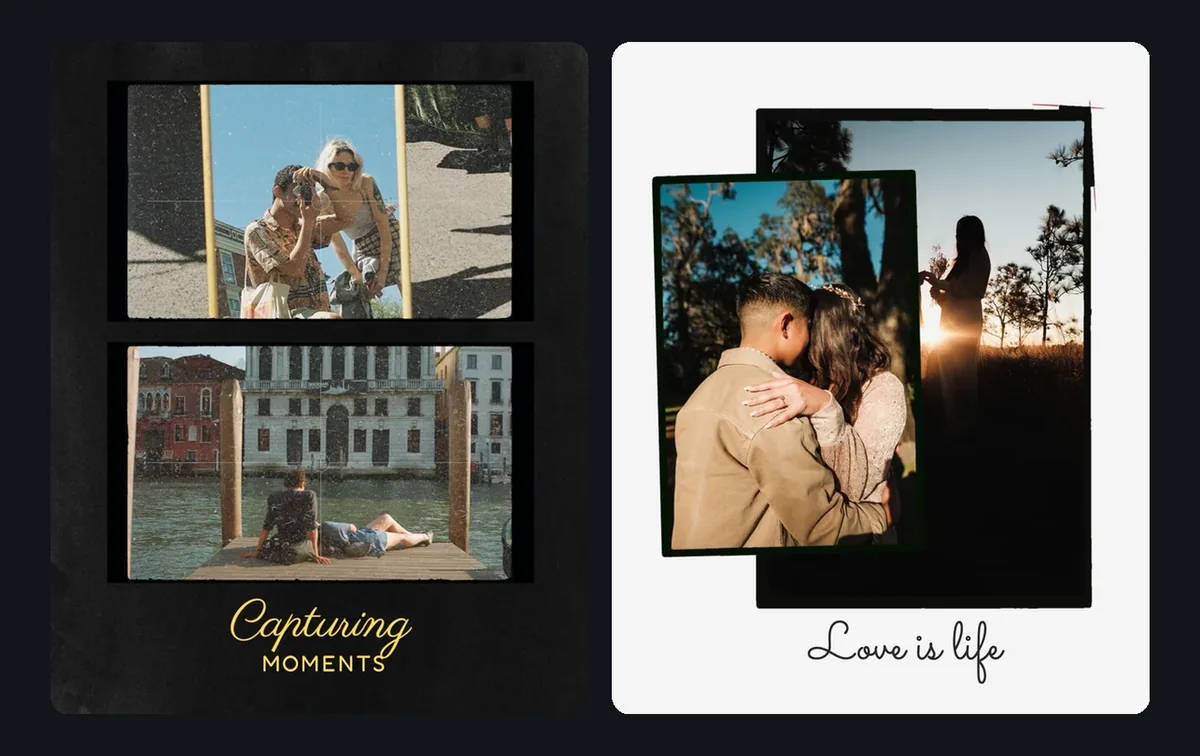
Curve text around a badge or along an arc, then give the photo a border so the whole design has structure.
- Arched and circular text
- Photo frames and borders
- Overlays and shapes
- Swipe arrows and step numbers for carousels
For business
Price tags, badges and branded type.
A promo has to be readable at a glance. Put badges, price tags and arrows over product photos. Brand Kit, on Premium, saves your own logo, colors and fonts.
- Price labels and offer badges
- Arrows and product tags
- Branded typography with Brand Kit (Premium)
Use cases
Fonts and stickers for every format.
Instagram stories
Curved text, labels and stickers on daily updates, announcements and photo dumps.
Collages
Dates, captions, frames and doodles that turn a photo grid into a design.
Carousels
Arrows, numbers and section labels that guide people through each slide.
Wallpapers
Quotes, curved text and stickers over a favorite photo.
Product promos
Price tags, offer badges and arrows over product shots.
Creator style
Reuse the same fonts and stickers until your posts are recognizable.
How it works
Add the details in four steps.
1
Open a template
Begin from a story, collage or carousel template.
2
Add text and pick a font
Type your words and try fonts until the tone is right.
3
Curve or style it
Bend the text or add a shadow, outline or highlight.
4
Layer stickers and frames
Add stickers, arrows, labels and a frame, then export for Instagram or TikTok.
Why Zaps
More than basic text and emoji.
Built-in social app tools
- A short list of fonts
- The same stickers everyone uses
- Little control over layout
- Hard to keep one style from post to post
Zaps Fonts & Stickers
- A library of fonts, with premium fonts on Pro
- Curved text and text effects
- Stickers, icons, arrows and frames
- The same tools in stories, collages and carousels
- Brand Kit for your own fonts and colors (Premium)
- Works in your browser and in the iOS and Android app
More from Zaps
Keep building with Zaps.
What people say
Creators love the details.
"The fonts and stickers make my posts feel custom instead of like basic templates."
Zaps user
"I love using curved text on collages and story designs. It makes everything feel more fun and designed."
Zaps user
"The little details, like arrows, labels, frames and stickers, make my carousels easier to read and way more aesthetic."
Zaps user
Frequently asked questions
Add text in a library of fonts, curve it, apply effects such as shadows and outlines, and layer stickers, icons, arrows, labels, frames and overlays on stories, collages and carousels.
Yes. Bend text into an arc or a circle for badges, wallpapers, collages and story designs.
Yes. Zaps fonts become part of the image you export, so they look the same wherever you post it, on Instagram, TikTok or anywhere else.
Some are free. Premium fonts, stickers and frames come with Pro ($49.99/year or $5.99/week), which also adds AI photo tools and watermark-free HD exports.
Yes. Stickers, arrows, labels and frames work in collages and carousels, and arrows and step numbers make a carousel easier to follow.
Yes. Use price labels, offer badges, arrows and frames on promos, menus and launches. Premium adds Brand Kit, which saves your own logo, colors and fonts.
Make the details yours.
Open a template, add your text and layer on stickers and frames.