Zaps

Social media templates for restaurants

Social media templates for restaurants and cafes: menu highlights, today’s special, happy hour and event invites, plus food reels, built so a busy kitchen can post in a few minutes.

Free plan with 100+ starter templates. Works in your browser, on iOS and on Android.

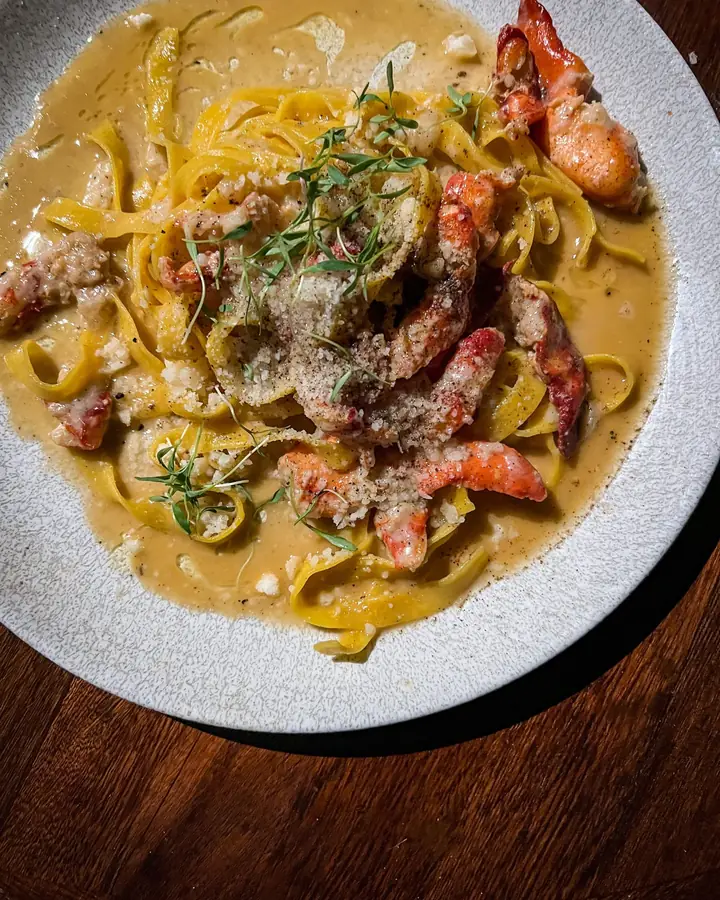
Plate of tagliatelle with prawns on a dark wooden table, seen from above
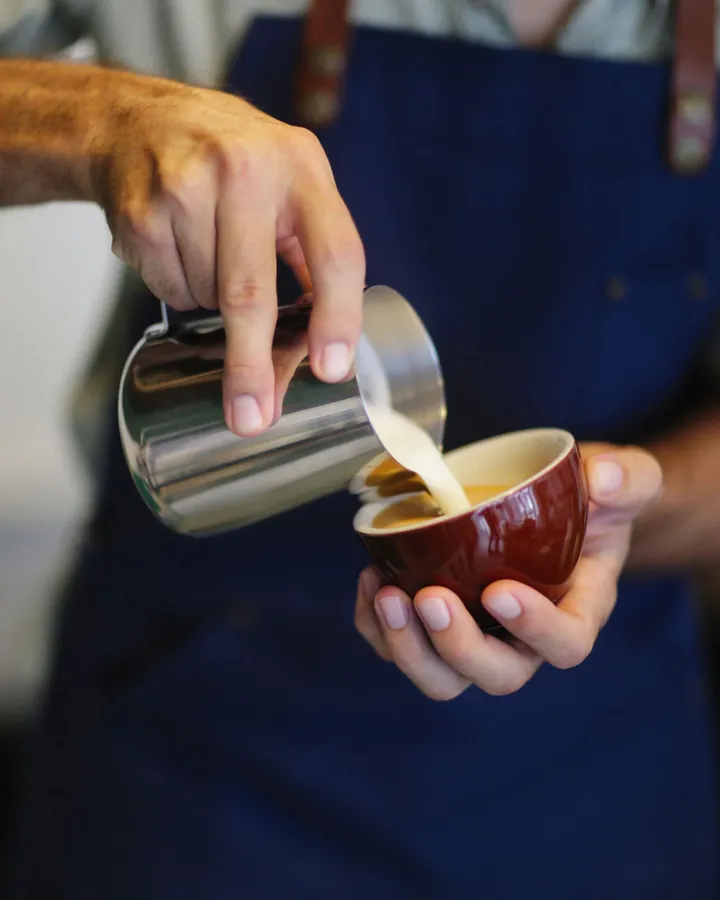
Barista in a blue apron pouring steamed milk into a cup
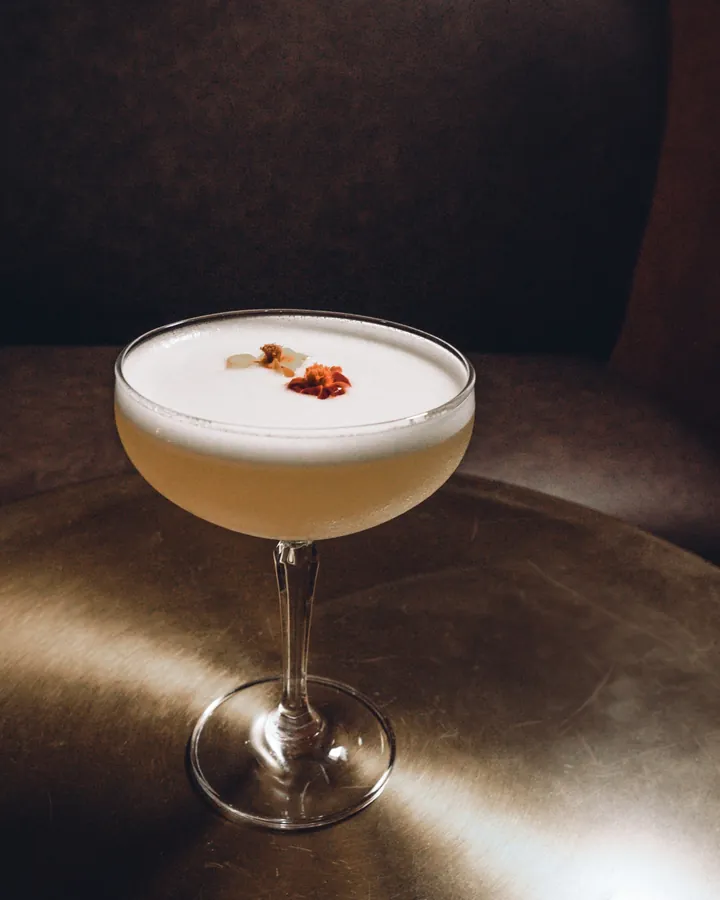
Frothy cocktail in a coupe glass on a bar counter in warm light

What restaurants post, and what helps

Menu highlights and new dishes

A new dish needs one good photo, a name, a price and a line about what is in it. Use a food template with space for exactly that, and keep the type large enough to read on a phone in a queue.

  • New dish announcements
  • Seasonal menu updates
  • Drinks and dessert menus
  • Chef’s specials
Browse food story templates
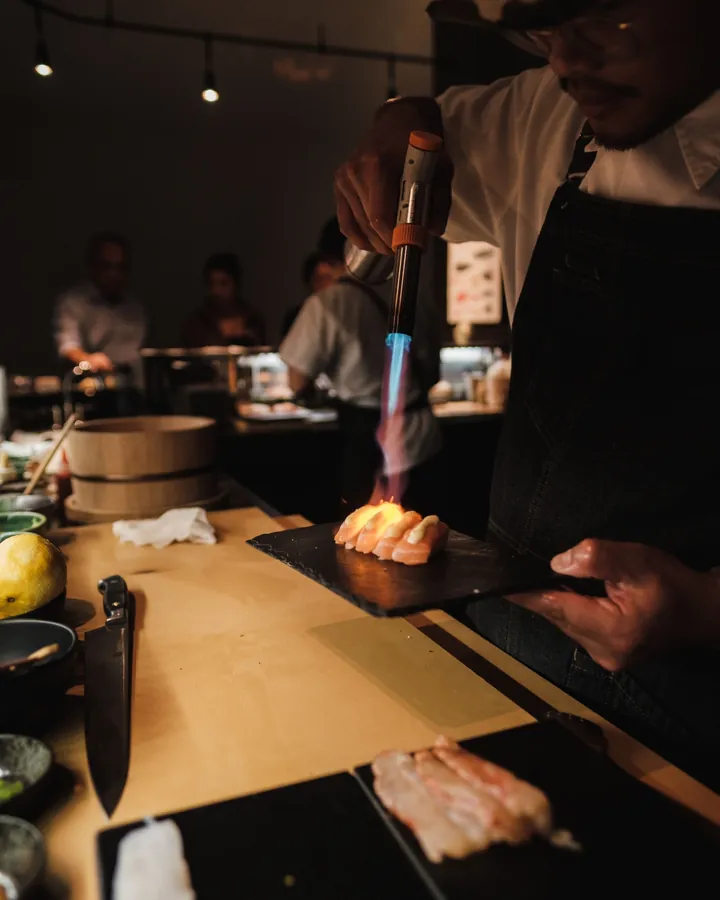
Sushi chef preparing nigiri at a counter with other cooks in the background

Daily specials and offers

Lunch deals, brunch menus and weekend offers expire, so they have to go out fast. Reuse one promo layout, change the dish and the price, and export before service starts.

  • Today’s special
  • Lunch and dinner deals
  • Brunch promotions
  • Limited-time offers
Browse promo templates
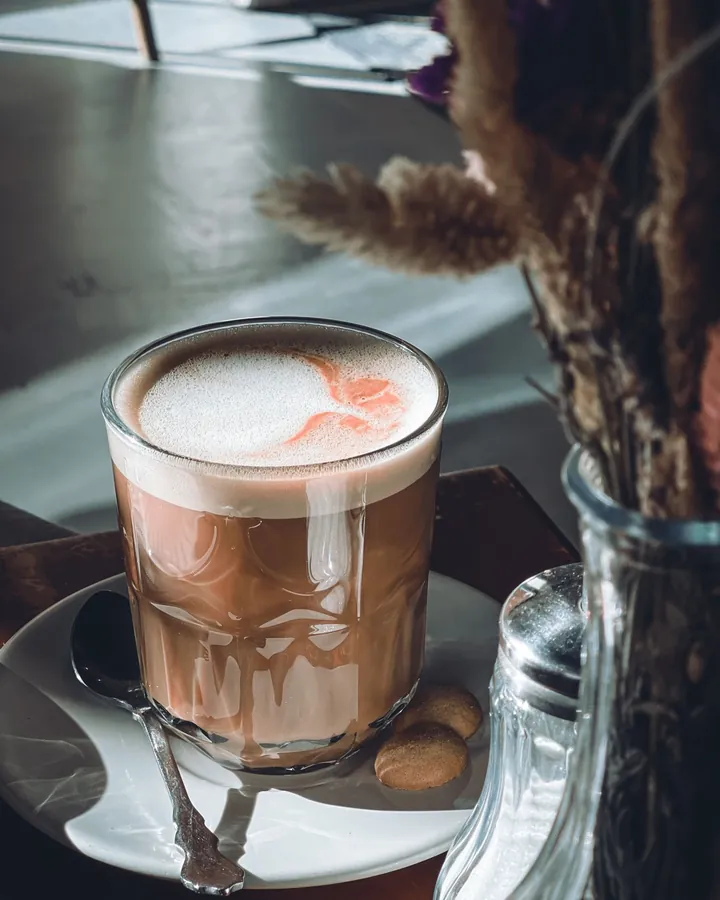
Latte with pink foam art on a cafe table beside dried flowers

Happy hour, events and invites

Tasting nights, live music, pop-ups and private dinners all need a date, a time and a reason to come. Invite templates cover the details and look good as a story or a post.

  • Dinner and brunch invites
  • Cocktail party invites
  • Event announcements
  • Countdown stories
Browse dinner invites
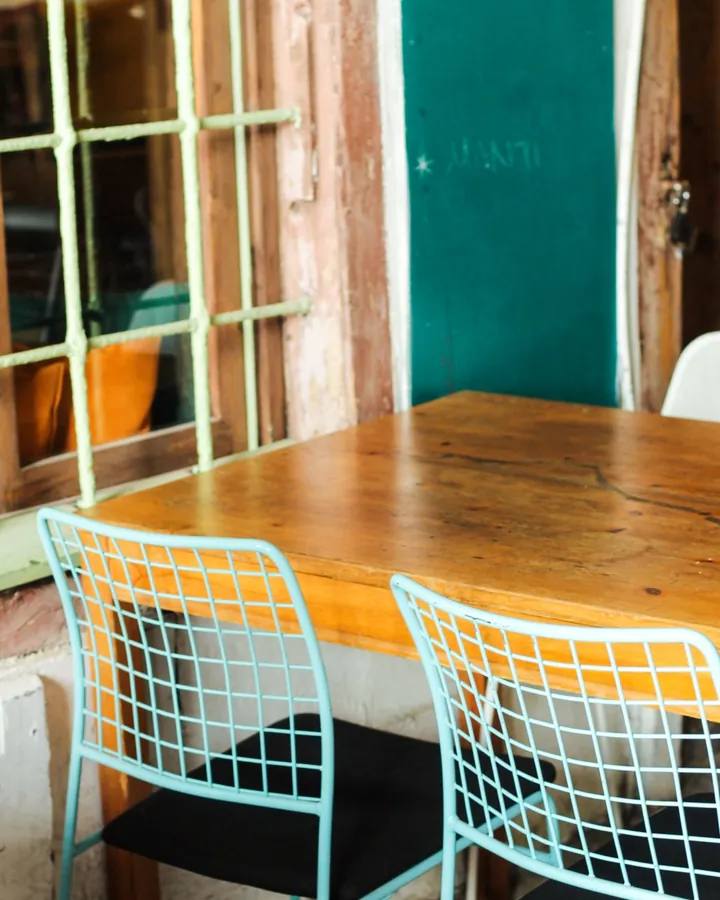
Wooden cafe table with teal wire chairs beside a window

Food reels

A pour, a sizzle or a plated dish moves better than a still. Reel templates cut your clips to the beat, so a 10-second video from the pass is ready to post.

  • Food reel templates
  • Beat-sync reels
  • Behind-the-kitchen clips
Browse food reels

Templates restaurants start with

Tools for better food photos

From template to post in three steps.

  1. 01

    Choose a template

    Pick a menu, special or event layout, or a reel for a short clip.

  2. 02

    Add the dish and the details

    Drop in a photo, then edit the name, price and time. Clean the photo with the AI tools if it needs it.

  3. 03

    Export and post

    Export and post to Instagram or TikTok, or print the same design for the counter.

Frequently asked questions

Menu and special templates for dishes, invite templates for events, and reel templates for short food clips cover most of what a restaurant posts. Promo templates handle deals and limited-time offers.

Yes. Templates are fully editable, so you can change the dish name, description and price, move the text and swap the photo.

AI Photo Enhance sharpens and brightens a photo in one tap, Magic Eraser removes small distractions, and AI Background Remover cuts a dish out so you can place it on a color. These tools are part of Pro.

Yes. The same layouts work for a latte special, a cocktail list or a truck’s weekly location, because you control the photo and the text.

Zaps has a free plan with 100+ starter templates, the collage maker, basic filters and standard exports. Pro unlocks 1000+ templates, reels, the AI photo tools and watermark-free HD exports for $49.99/year, and it starts with a free trial. Brand Kit comes with Premium.

Both. Browse templates and start a design in your browser at zaps.design/templates, or use the iOS and Android apps. The templates are the same.

Post the special before the rush.

Open a template, drop in today’s dish and export it while the kitchen warms up.

Prefer your phone? Get the app