
Free design tools
Color palettes, photo converters, Google Fonts and caption tools that run in your browser, plus photo editing, social templates and brand tools.
Color
Palettes, pickers, contrast and gradients. Free, no sign-up, and they run in your browser.
Palettes
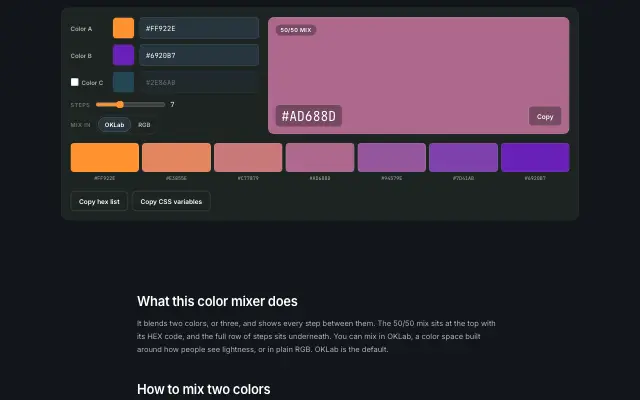
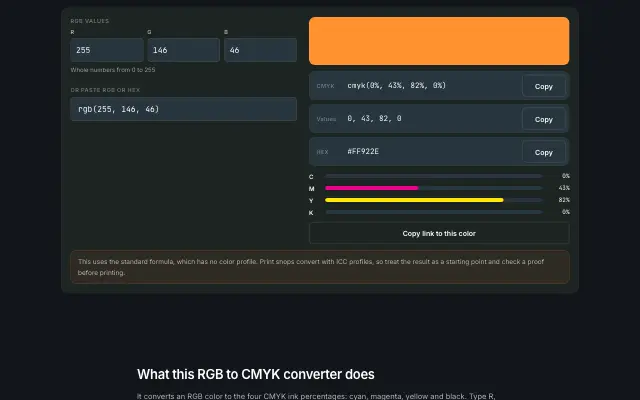
Pick and convert
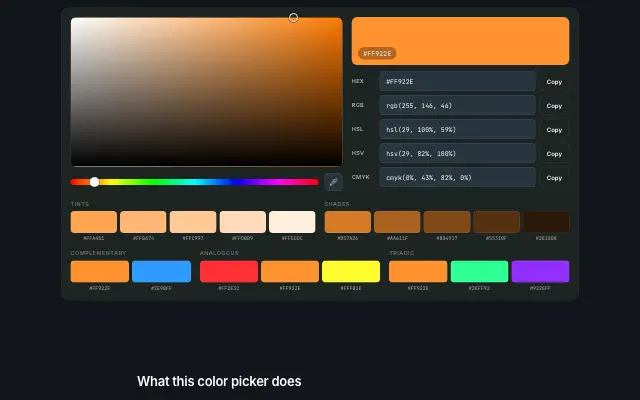
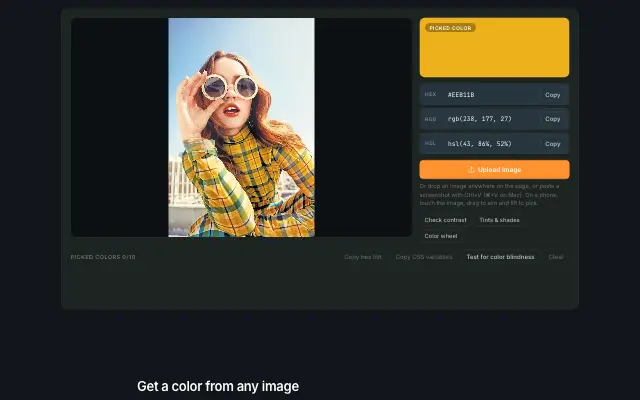
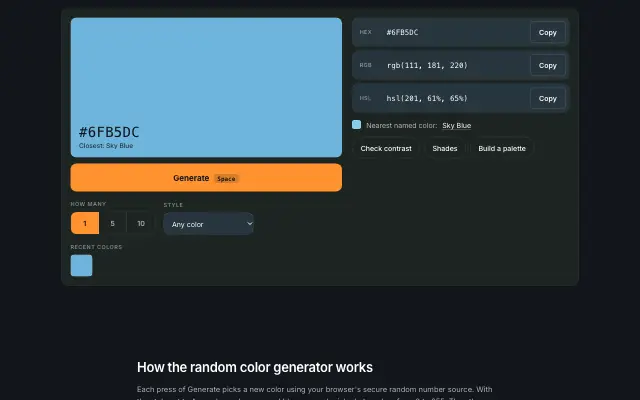
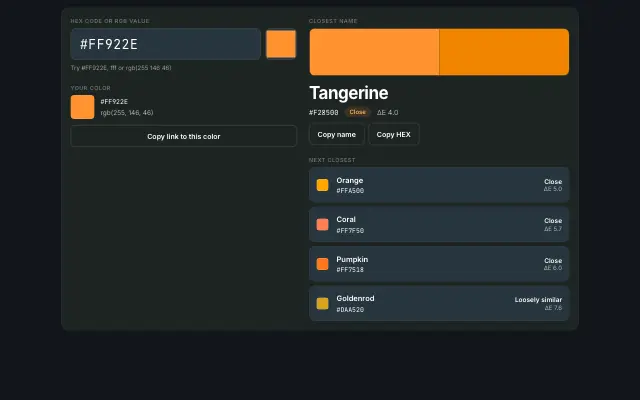
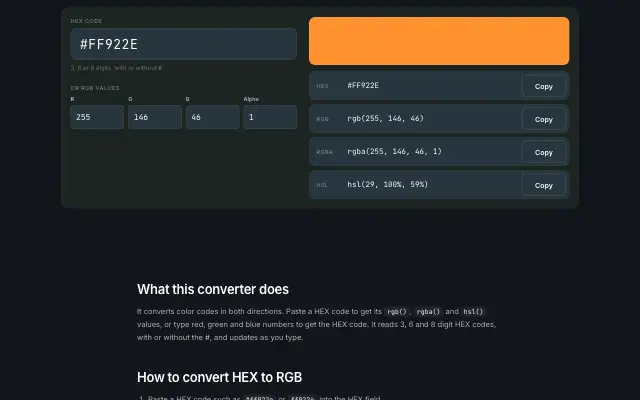
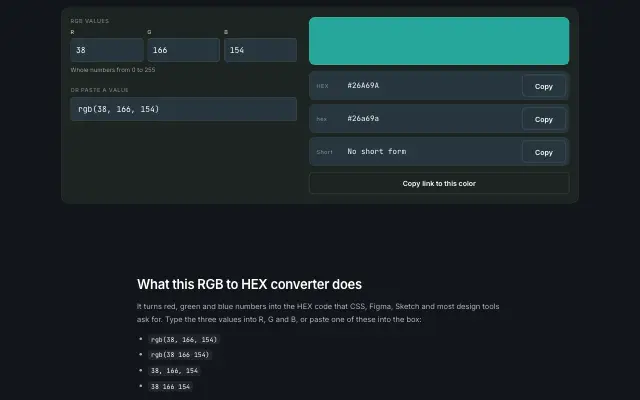
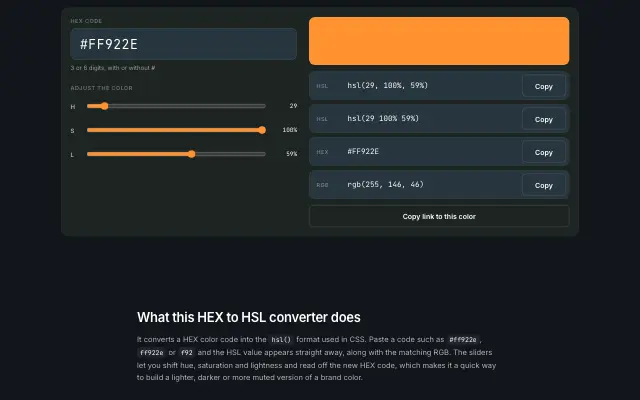
Check and test
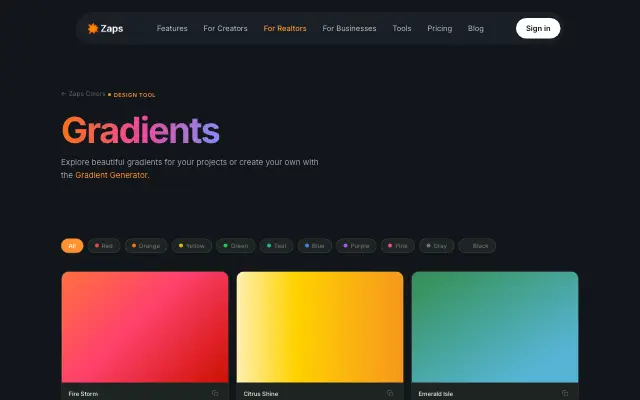
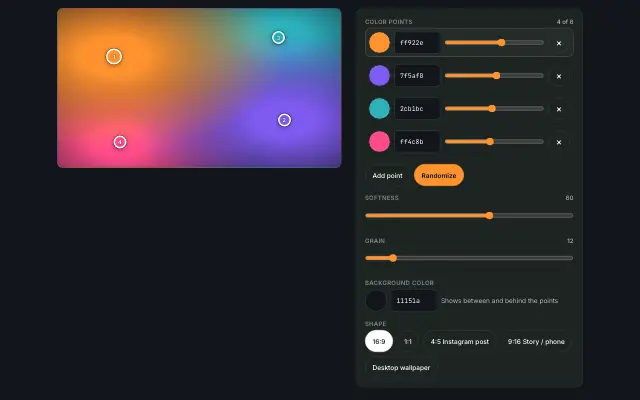
Gradients
Theory and reference
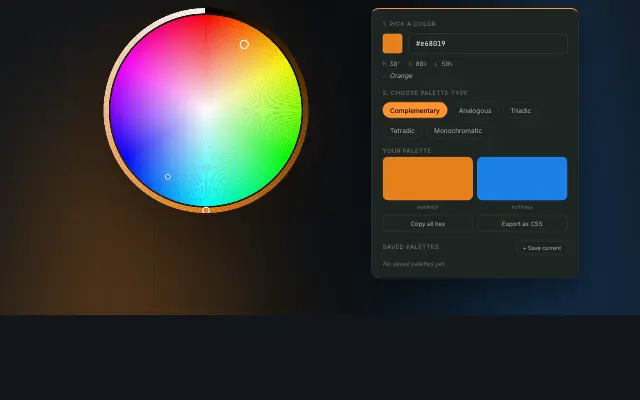
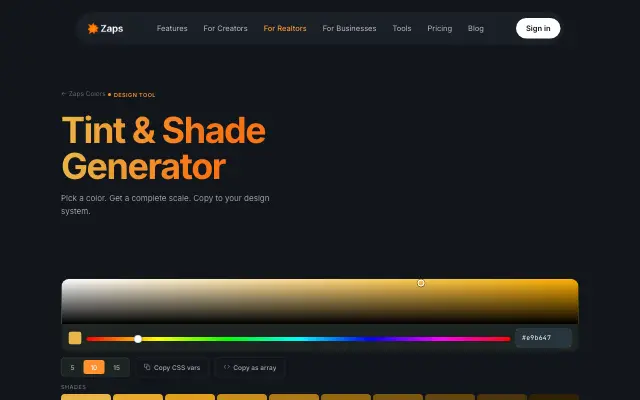
Photo editing
AI clean-up and looks for your photos, plus quick fixes: convert, compress, resize, crop and more.
AI editing
Convert
Compress and resize
Crop, blur and privacy
Fonts and type
Free Google Fonts, pairings that work, and type tools.
Social media
Hooks, captions, sizes and numbers for posts that land.
Hooks
Captions and text
Sizes and layout
Social templates
Templates for Instagram and TikTok that you fill with your own photos and clips.
Brand
Keep every post on brand.
More tools
Handy extras for flyers, links and data.
Frequently asked questions
The color, photo, font and text tools on their own pages are free and need no account. The AI editing, template and brand tools are part of Zaps: the Free plan covers the basics, and the Pro and Premium plans add more templates and AI features.
Not for the free tools. They run in your web browser on desktop or phone, so open the page and start. Photos you convert, compress or crop stay on your device. The AI editing, template and brand tools need a free Zaps account.
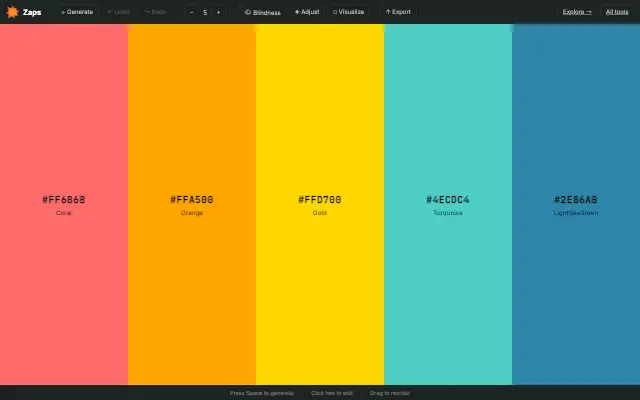
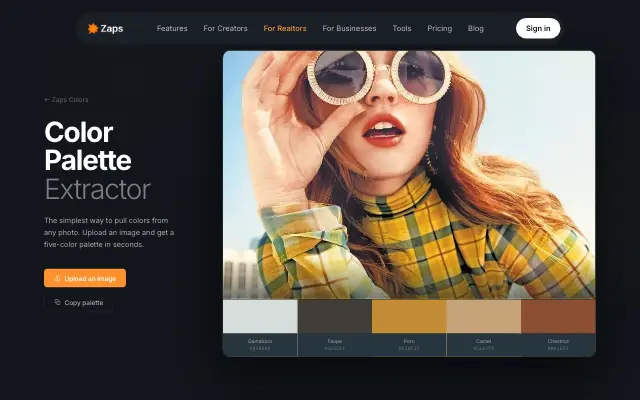
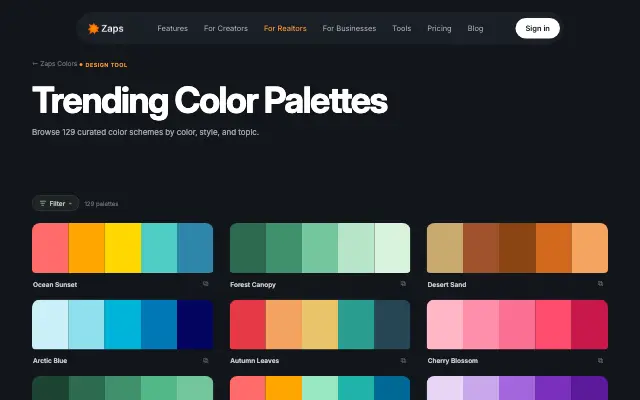
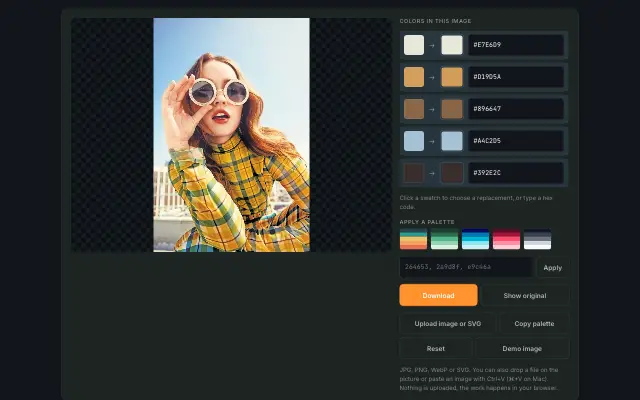
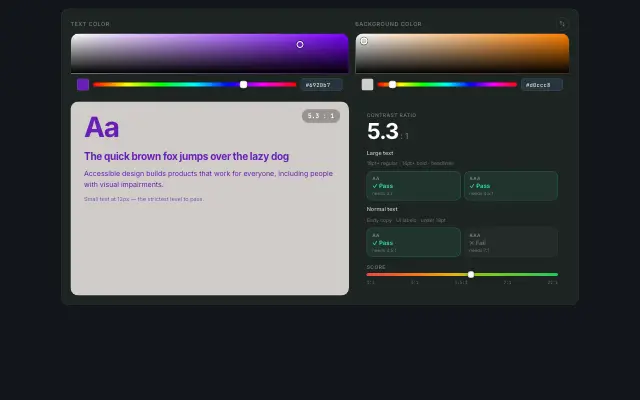
Start in the Color Palette Generator or pull colors from a photo you like with Color Palette from Image. Then run your text and background pair through the Color Contrast Checker so it stays readable, and save the set in the Zaps Brand Kit.
No. HEIC to JPG, the format converters, Compress Image, Resize Image, Crop to Circle, Blur Image, Remove EXIF Data and the PDF tools all work inside your browser, so your photos never leave your device.
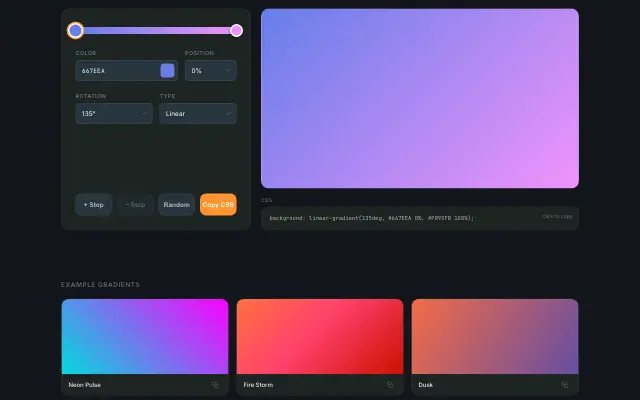
Yes. The palette, picker, tint and gradient tools give you hex codes and CSS you can paste straight into a stylesheet. The Tint & Shade Generator can also export a JS array.